





New! Render PlantUML diagrams directly inside GitHub
with our official browser extension —
No server. No tokens. No tracking. Zero permissions but clipboard. —
Try it out and let us know what you think!
Темы
 Edit in Dokuwiki
 Edit in Asciidoc
 Edit in Markdown
!theme:
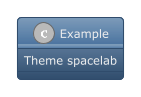
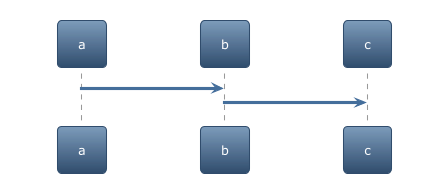
 List of available themes
Several websites are listing available themes:
- Gallery of all official PlantUML themes.
- Examples of some Puml Themes made by Brett Schwarz on the Theme Gallery.

%get_all_theme builtin function to retreive a JSON array of all PlantUML theme.

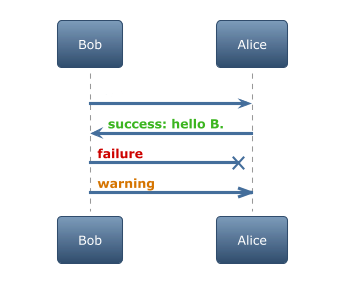
Coloring message with some procedures included on some theme
Some theme includes some procedures, to help coloring message, as:
$success("<msg>")$failure("<msg>")$warning("<msg>")
Local themes
You can create your own theme on your local file system. You can duplicate any existing theme to create your own one.
By default, a theme file is named puml-theme-foo.puml where foo is the name of the theme.
To invoke a local theme, you have to use the following directive:
!theme foo from /path/to/themes/folder
Themes from the Internet
Other repositories can also publish themes for PlantUML.
Theme files must follow the same convention: puml-theme-foo.puml where foo is the name of the theme.
To use a theme from a remote repository, you have to use the following directive:
!theme amiga from https://raw.githubusercontent.com/plantuml/plantuml/tree/master/src/main/resources/themes
If you find any interesting theme, you can also propose a pull request so that we integrate this theme into the main core library.