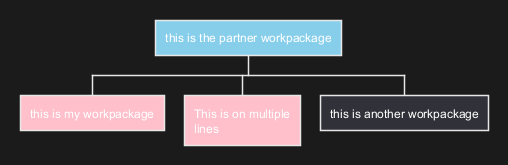
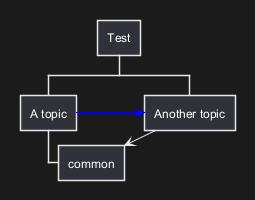
Work Breakdown Structure (WBS)
A Work Breakdown Structure (WBS) diagram is a key project management tool that breaks down a project into smaller, more manageable components or tasks. It's essentially a hierarchical decomposition of the total scope of work to be carried out by the project team to accomplish the project objectives and create the required deliverables. PlantUML can be particularly useful for creating WBS diagrams. Its text-based diagramming means that creating and updating a WBS is as straightforward as editing a text document, which is especially beneficial for managing changes over the project's lifecycle. This approach allows for easy integration with version control systems, ensuring that all changes are tracked and the history of the WBS evolution is maintained. Moreover, PlantUML's compatibility with various other tools enhances its utility in collaborative environments. Teams can easily integrate their WBS diagrams into broader project documentation and management systems. The simplicity of PlantUML's syntax allows for quick adjustments, which is crucial in dynamic project environments where the scope and tasks may frequently change. Therefore, using PlantUML for WBS diagrams combines the clarity of visual breakdown with the agility and control of a text-based system, making it a valuable asset in efficient project management.
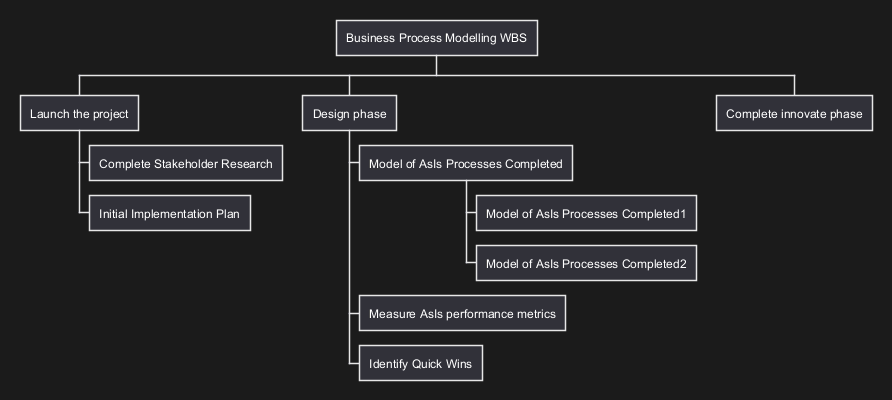
OrgMode syntax
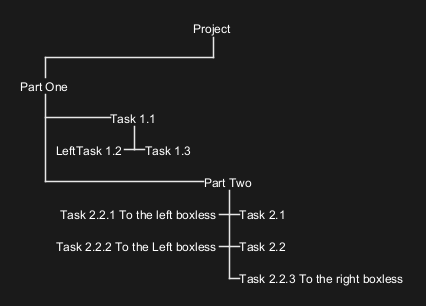
This syntax is compatible with OrgMode
|
🎉 Copied!
|
|
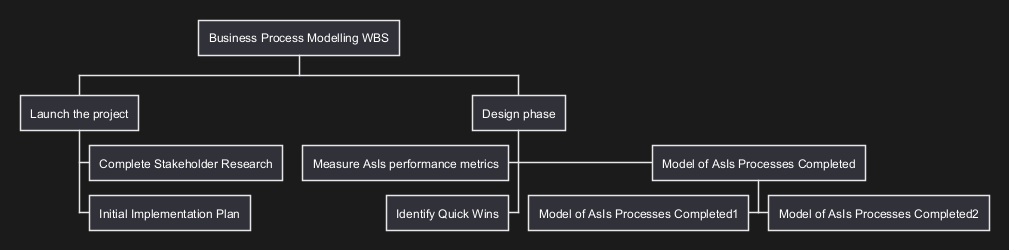
Change direction
You can change direction using < and >
|
🎉 Copied!
|
|
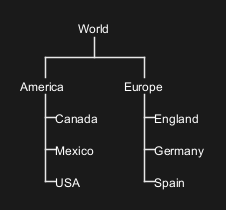
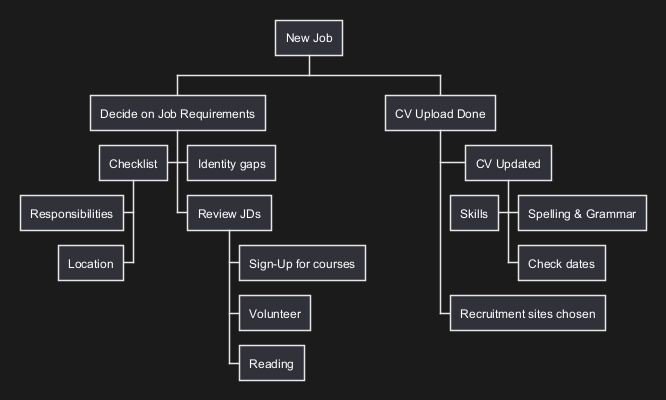
Arithmetic notation
You can use the following notation to choose diagram side.
|
🎉 Copied!
|
|
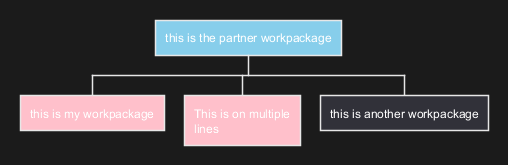
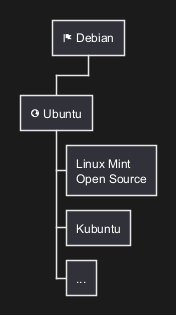
Multilines
You can use : and ; to have multilines box, as on MindMap.
|
🎉 Copied!
|
|
[Ref. QA-13945]
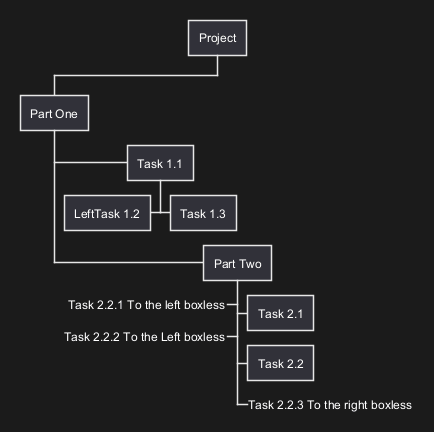
Removing box
You can use underscore _ to remove box drawing.
Boxless on Arithmetic notation
Several boxless node
|
🎉 Copied!
|
|
All boxless node
|
🎉 Copied!
|
|
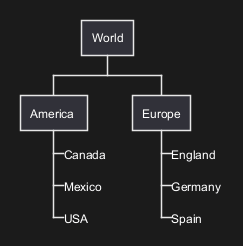
Boxless on OrgMode syntax
Several boxless node
|
🎉 Copied!
|
|
[Ref. QA-13297]
All boxless node
|
🎉 Copied!
|
|
[Ref. QA-13355]
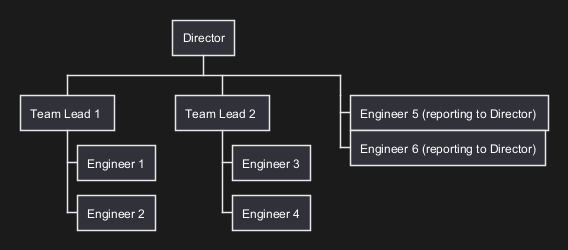
Skipping a layer
Underscore without label removes a node completely
|
🎉 Copied!
|
|
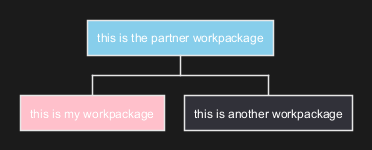
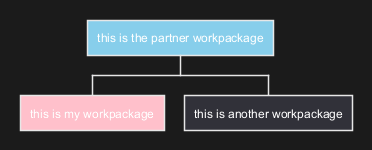
Colors (with inline or style color)
It is possible to change node color:
- with inline color
|
🎉 Copied!
|
|
|
🎉 Copied!
|
|
[Ref. QA-12374, only from v1.2020.20]
- with style color
|
🎉 Copied!
|
|
|
🎉 Copied!
|
|
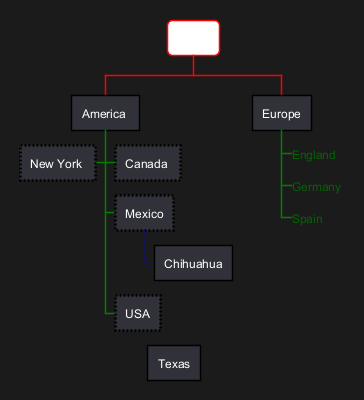
Using style
It is possible to change diagram style.
|
🎉 Copied!
|
|
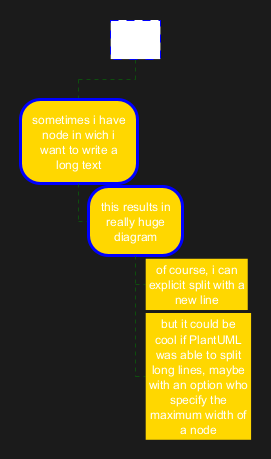
Word Wrap
Using MaximumWidth setting you can control automatic word wrap. Unit used is pixel.
|
🎉 Copied!
|
|
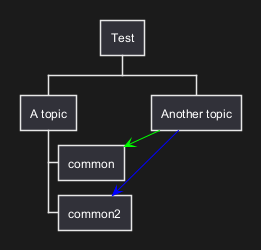
Add arrows between WBS elements
You can add arrows between WBS elements.
Using alias with as:
|
🎉 Copied!
|
|
Using alias in parentheses:
|
🎉 Copied!
|
|
[Ref. QA-16251]
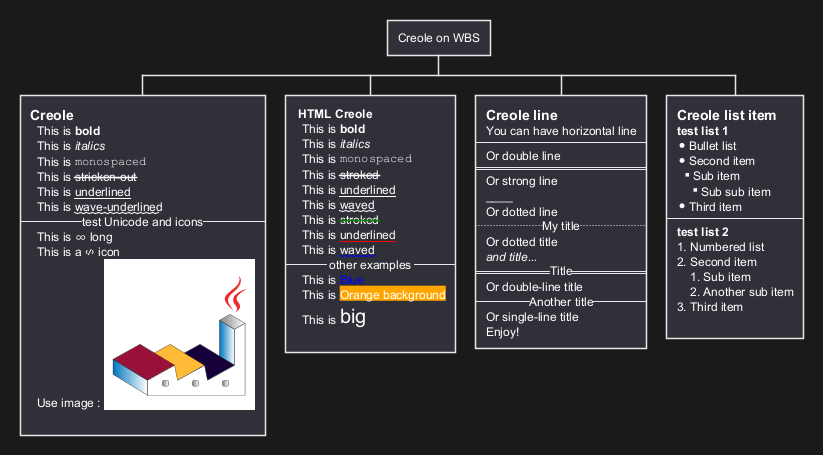
Creole on WBS diagram
You can use Creole or HTML Creole on WBS:
|
🎉 Copied!
|
|