



New! Render PlantUML diagrams directly inside GitHub
with our official browser extension —
No server. No tokens. No tracking. Zero permissions but clipboard. —
Try it out and let us know what you think!
Display JSON Data
 Edit in Dokuwiki
 Edit in Asciidoc
 Edit in Markdown
- начинаться с ключевого слова
@startjson - заканчиваться ключевым словом
@endjson.
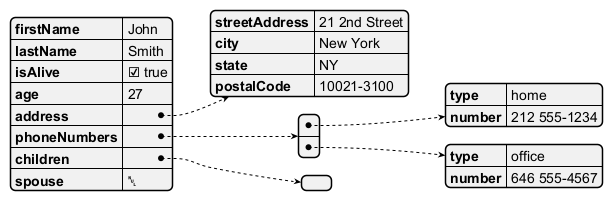
 Complex example
You can use complex JSON structure.
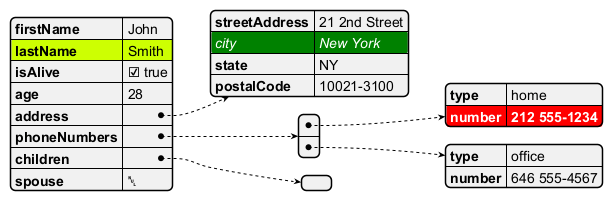
Highlight parts
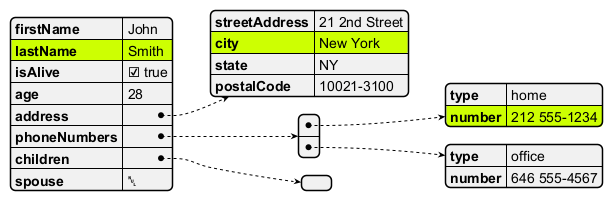
Using different styles for highlight
It is possible to have different styles for different highlights.
JSON basic element
Synthesis of all JSON basic element
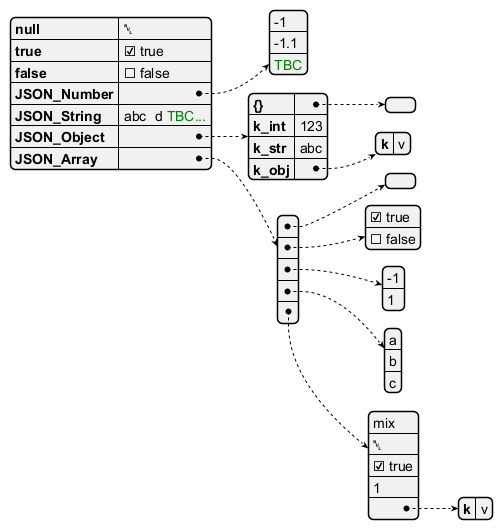
JSON array or table
Array type
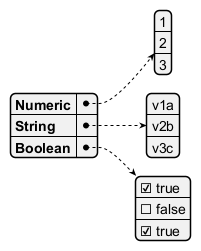
Minimal array or table
Number array

String array

Boolean array

JSON numbers
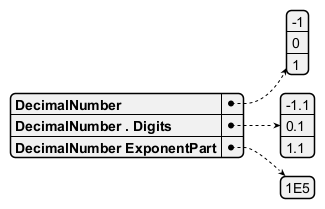
JSON strings
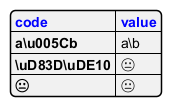
JSON Unicode
On JSON you can use Unicode directly or by using escaped form like\uXXXX.
JSON two-character escape sequence
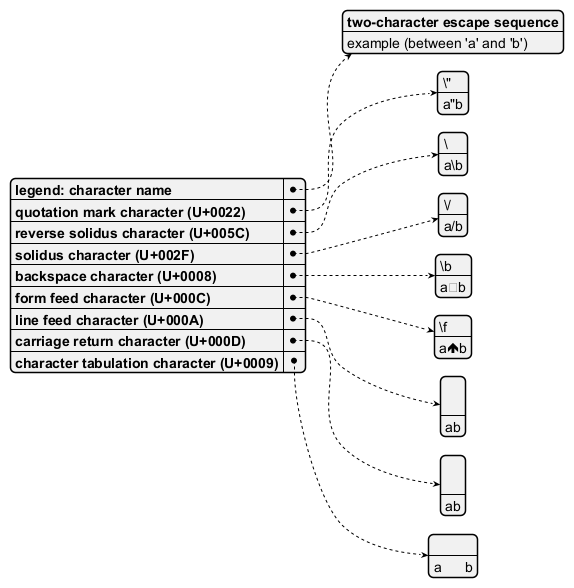
FIXME
FIXME or not 😉, on the same item as \n management in PlantUML 😉
See Report Bug on QA-13066
FIXME

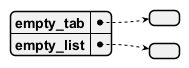
Minimal JSON examples



Empty table or list
Using (global) style
Without style (by default)
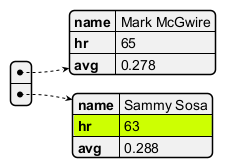
With style
You can use style to change rendering of elements.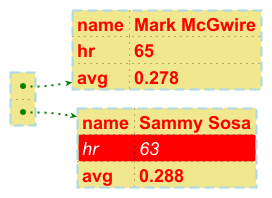
Display JSON Data on Class or Object diagram
Simple example
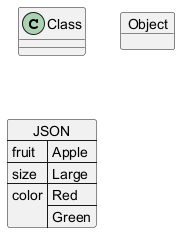
Complex example: with all JSON basic element
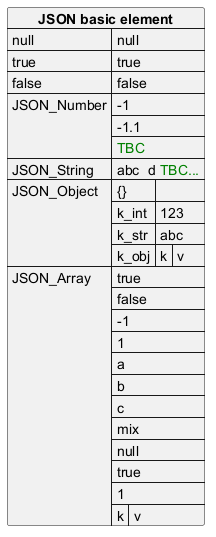
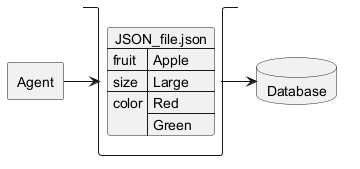
Display JSON Data on Deployment (Usecase, Component, Deployment) diagram
Simple example
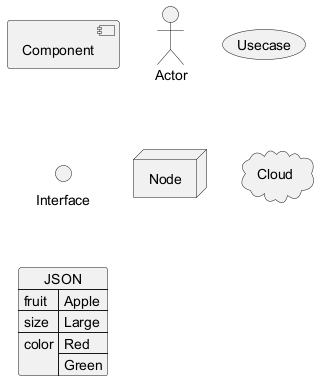
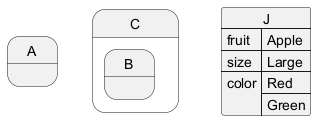
Display JSON Data on State diagram
Simple example
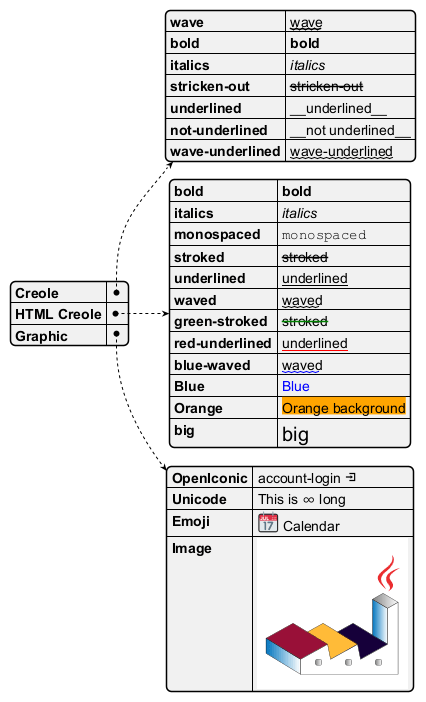
Creole on JSON
You can use Creole or HTML Creole on JSON diagram: