New! Render PlantUML diagrams directly inside GitHub
with our official browser extension —
No server. No tokens. No tracking. Zero permissions but clipboard. —
Try it out and let us know what you think!
Skinparam: IMPORTANT NOTICE
 Edit in Dokuwiki
 Edit in Asciidoc
 Edit in Markdown
skinparam is now deprecated and is being phased out.
Although it is still supported for simple cases and for backward compatibility, users should migrate to CSS style, which supports more complex styling scenarios.
 Skinparam command
You can change colors and font of the drawing using the skinparam command.
Example:
skinparam backgroundColor transparent
Usage
You can use this command :
- In the diagram definition, like any other commands,
- In an included file,
- In a configuration file, provided in the command line or the ANT task.
Nested
To avoid repetition, it is possible to nest definition. So the following definition :
skinparam xxxxParam1 value1
skinparam xxxxParam2 value2
skinparam xxxxParam3 value3
skinparam xxxxParam4 value4
is strictly equivalent to:
skinparam xxxx {
    Param1 value1
    Param2 value2
    Param3 value3
    Param4 value4
}
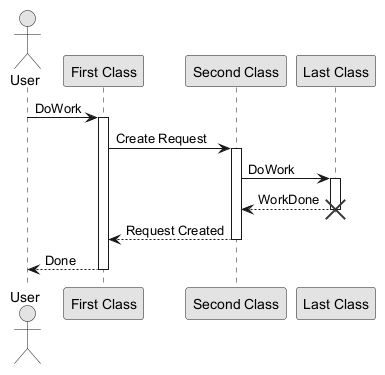
Black and White
You can force the use of a black&white output using skinparam monochrome true command.
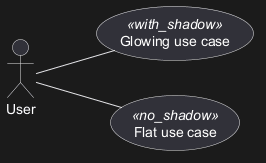
Shadowing
You can disable the shadowing using the skinparam shadowing false command.
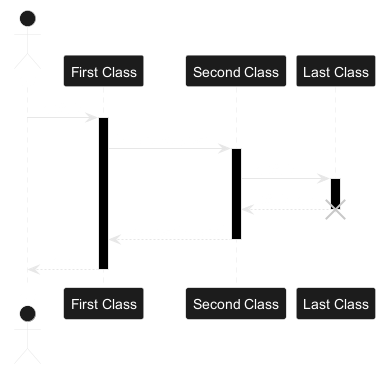
Reverse colors
You can force the use of a black&white output using skinparam monochrome reverse command.
This can be useful for black background environment.
Colors
You can use either standard color name or RGB code.
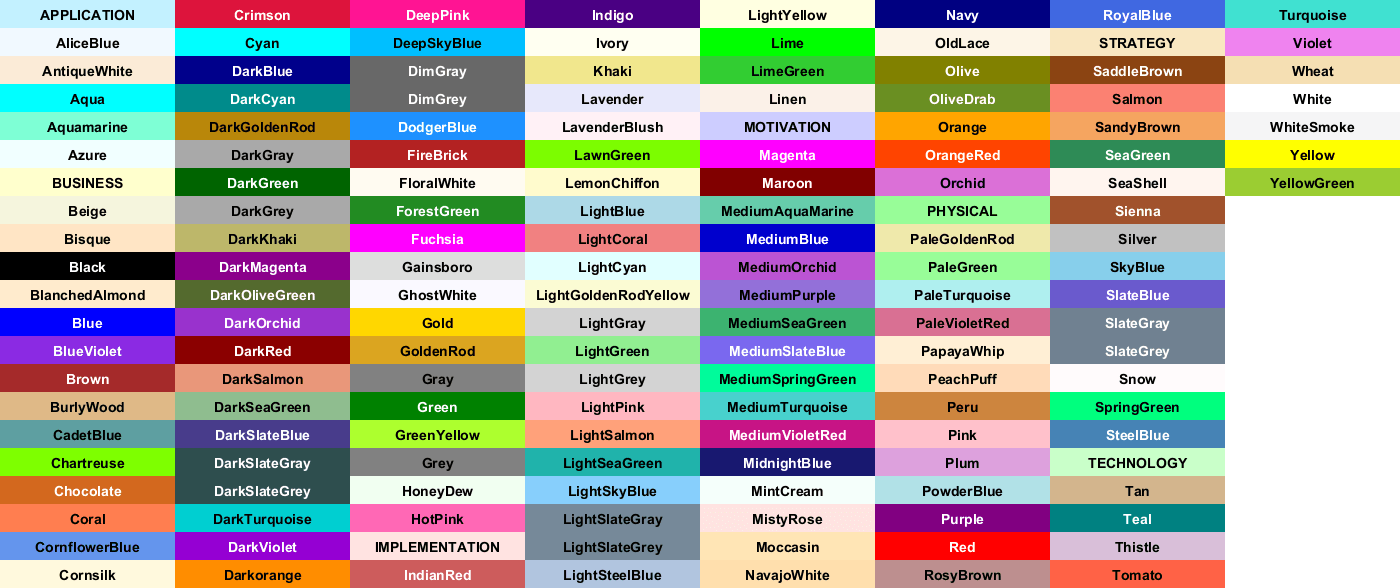
transparent can only be used for background of the image.
Font color, name and size
You can change the font for the drawing using xxxFontColor,
xxxFontSize and xxxFontName parameters.
Example:
skinparam classFontColor red
skinparam classFontSize 10
skinparam classFontName Aapex
You can also change the default font for all fonts using
skinparam defaultFontName.
Example:
skinparam defaultFontName Aapex
Please note the fontname is highly system dependent, so do not over use it, if you look for portability.
Helvetica and Courier
should be available on all systems.
A lot of parameters are available. You can list them using the following command:
java -jar plantuml.jar -language
Text Alignment
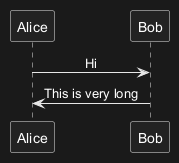
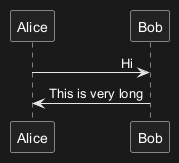
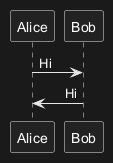
Text alignment can be set to left, right or center in skinparam sequenceMessageAlign.
You can also use direction or reverseDirection values to align text depending on arrow direction.
| Param name | Default value | Comment |
| sequenceMessageAlign | left | Used for messages in sequence diagrams |
| sequenceReferenceAlign | center |
Used for ref over in sequence diagrams
|
Examples