





New! Render PlantUML diagrams directly inside GitHub
with our official browser extension —
No server. No tokens. No tracking. Zero permissions but clipboard. —
Try it out and let us know what you think!
Defining and using sprites
 Edit in Dokuwiki
 Edit in Asciidoc
 Edit in Markdown
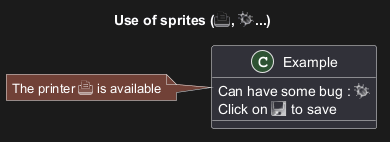
<$XXX>
where XXX is the name of the sprite.
 Inline SVG sprite
You can also use inlined SVG for sprites.
Only a tiny subset of SVG directives is possible, so you probably have to compress existing SVG files using https://vecta.io/nano. [Ref. GH-1066]


Changing colors
Although sprites are monochrome, it's possible to change their color.
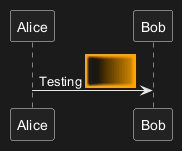
Encoding Sprite
To encode sprite, you can use the command line like:
java -jar plantuml.jar -encodesprite 16z foo.png
where
foo.png is the image file you want to use
(it will be converted to gray automatically).
After -encodesprite, you have to specify a format:
4, 8, 16, 4z, 8z or 16z.
The number indicates the gray level and the optional z is
used to enable compression in sprite definition.
Importing Sprite
You can also launch the GUI to generate a sprite from an existing image.
Click in the menubar then on File/Open Sprite Window.
After copying an image into you clipboard, several possible definitions of the corresponding sprite will be
displayed : you will just have to pickup the one you want.
Examples

StdLib
The PlantUML StdLib includes a number of ready icons in various IT areas such as architecture, cloud services, logos etc. It including AWS, Azure, Kubernetes, C4, product Logos and many others. To explore these libraries:
- Browse the Github folders of PlantUML StdLib
- Browse the source repos of StdLib collections that interest you. Eg if you are interested in logos you can find that it came from gilbarbara-plantuml-sprites, and quickly find its
- Study the in-depth Hitchhiker’s Guide to PlantUML, eg sections Standard Library Sprites and PlantUML Stdlib Overview
Listing Sprites
You can use the listsprites command to show available sprites:
- Used on its own, it just shows ArchiMate sprites
- If you include some sprite libraries in your diagram, the command shows all these sprites, as explained in View all the icons with listsprites.
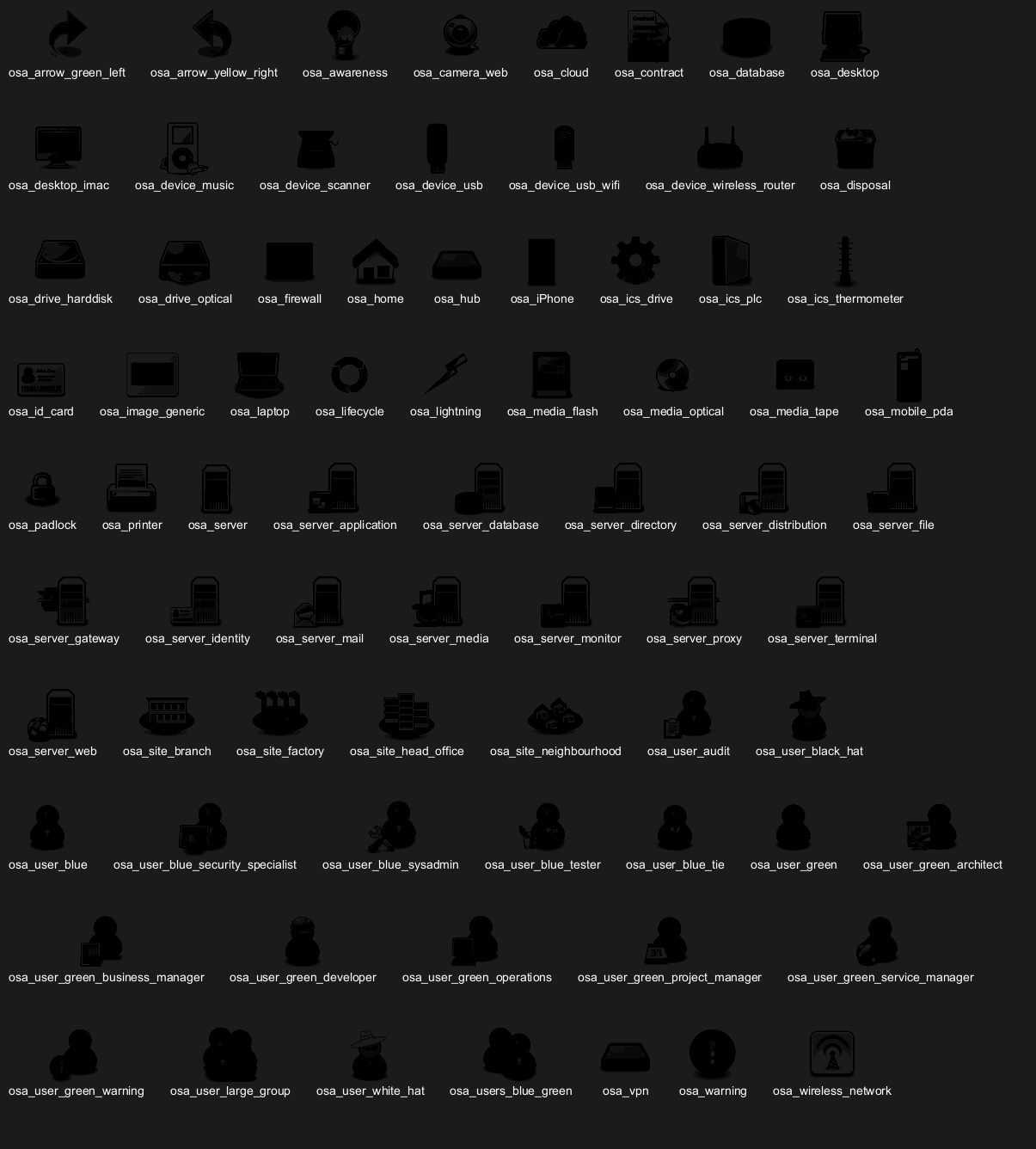
all that allow you to see a whole sub-collection at once.
Else you need to find the sprites that interest you and include them one by one.
Unfortunately, the version of a collection included in StdLib often does not have such all files,
so as you see above we include the collection from github, not from StdLib.
All sprites are in grayscale, but most collections define specific macros that include appropriate (vendor-specific) colors.