New! Render PlantUML diagrams directly inside GitHub
with our official browser extension —
No server. No tokens. No tracking. Zero permissions but clipboard. —
Try it out and let us know what you think!
Sub-diagram
 Edit in Dokuwiki
 Edit in Asciidoc
 Edit in Markdown
- begin with
{{ - end with
}}.
 Basic example
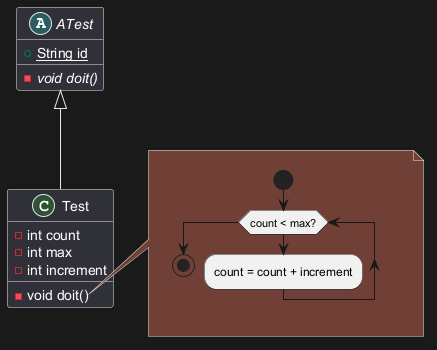
Here is a basic example of sub-diagram, with adding an Activty diagram on a note on a Class diagram:
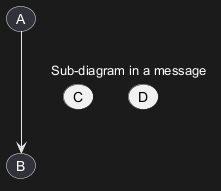
skinparam Backgroundcolor transparent to the sub-diagram.

Inheritage of handwritten skinparam
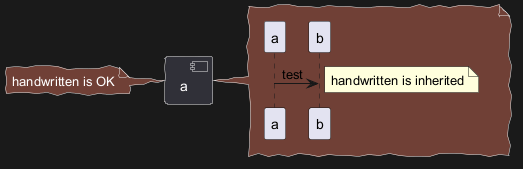
Sub-diagram can only herite of the handwritten skinparam from the hosted diagram, as: