New! Render PlantUML diagrams directly inside GitHub
with our official browser extension —
No server. No tokens. No tracking. Zero permissions but clipboard. —
Try it out and let us know what you think!
Creole
 Edit in Dokuwiki
 Edit in Asciidoc
 Edit in Markdown
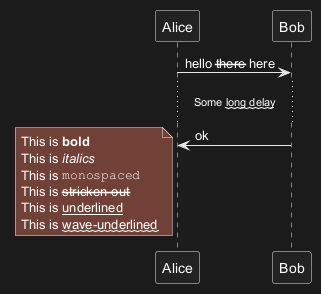
 Emphasized text
Lists
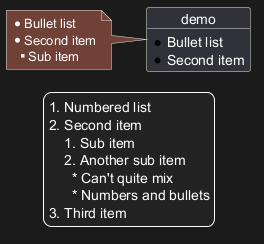
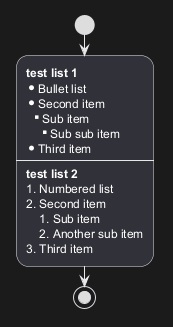
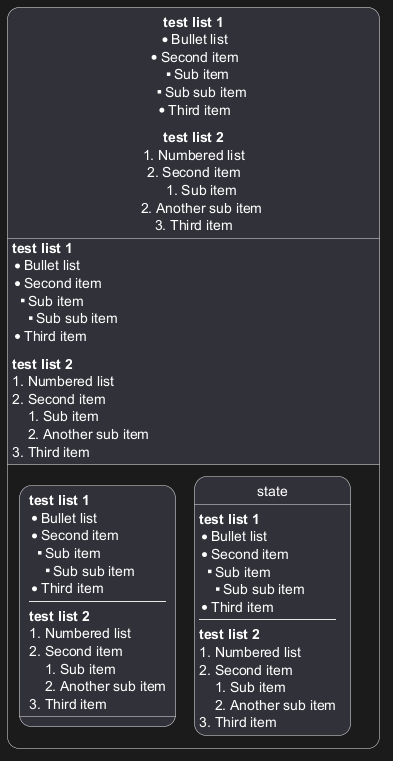
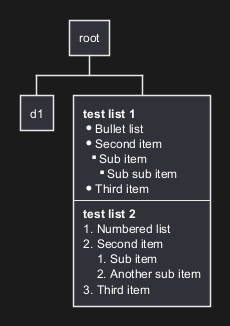
You can use numbered and bulleted lists in node text, notes, etc.
FIXME
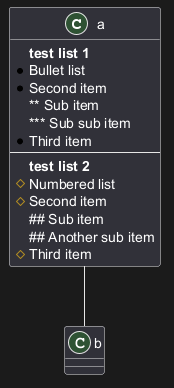
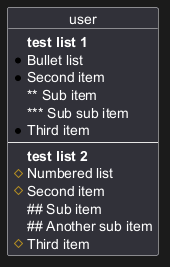
🚩 You cannot quite mix numbers and bullets in a list and its sublist.
Escape character
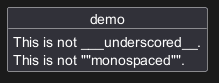
You can use the tilde ~ to escape special creole characters.
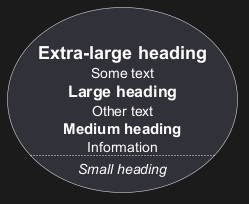
Headings
Emoji
All emojis from Twemoji (see EmojiTwo on Github) are available using the following syntax:
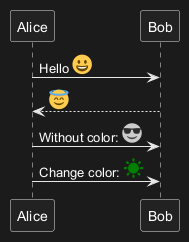
@startuml
emoji <block>
@enduml
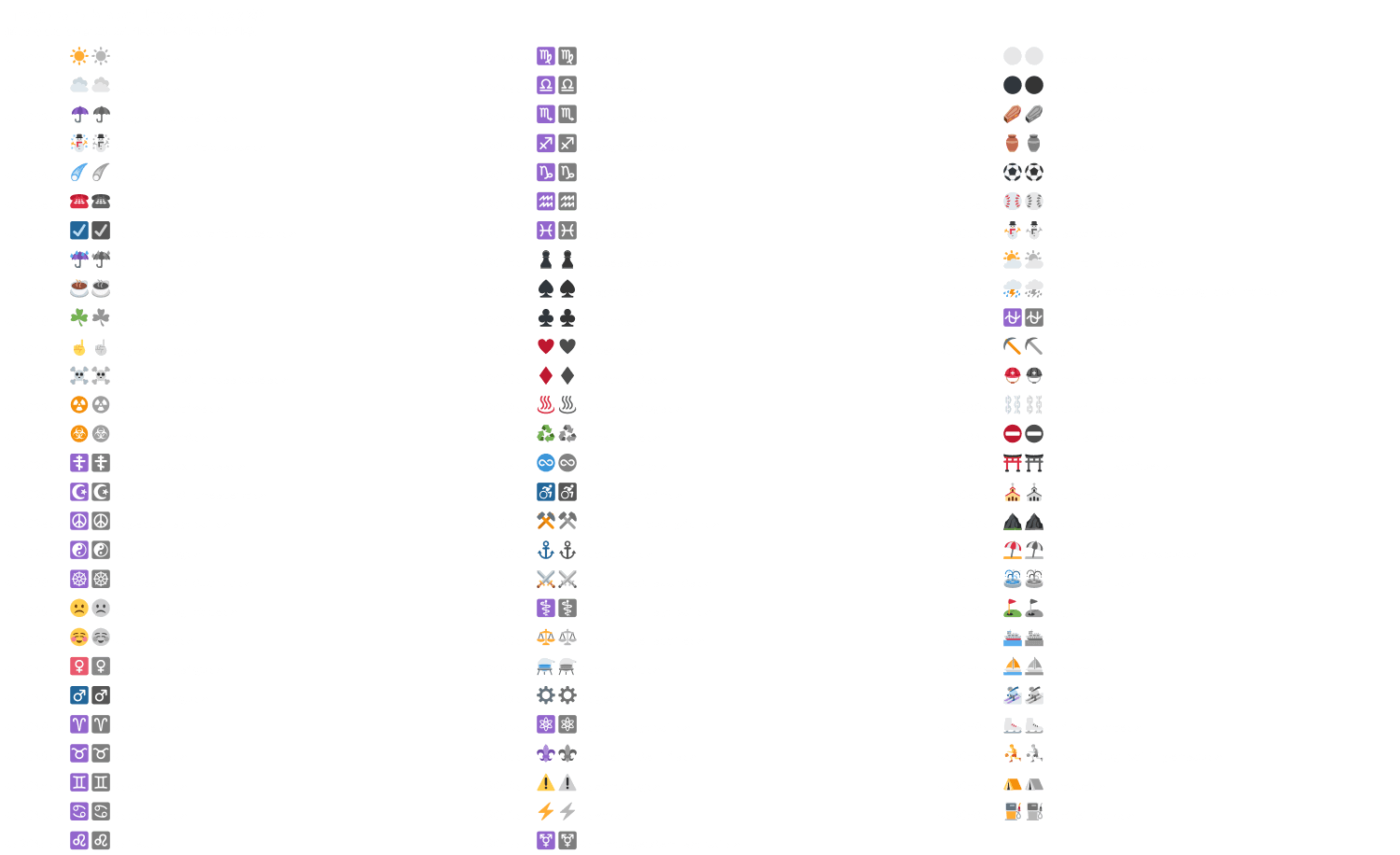
As of 13 April 2023, you can select between 1174 emoji from the following Unicode blocks:
- Unicode block 26: 83 emoji
- Unicode block 27: 33 emoji
- Unicode block 1F3: 246 emoji
- Unicode block 1F4: 255 emoji
- Unicode block 1F5: 136 emoji
- Unicode block 1F6: 181 emoji
- Unicode block 1F9: 240 emoji
Unicode block 26
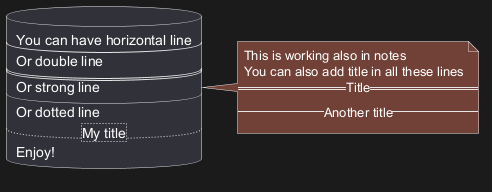
Horizontal lines
Links
You can also use URL and links.
Simple links are define using two square brackets (or three square brackets for field or method on class diagram).
Example:
[[http://plantuml.com]][[http://plantuml.com This label is printed]][[http://plantuml.com{Optional tooltip} This label is printed]]
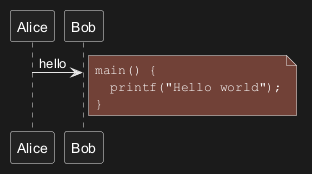
Code
You can use <code> to display some programming code in your diagram
(sorry, syntax highlighting is not yet supported).
Table
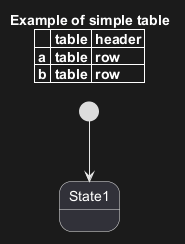
Create a table
It is possible to build table, with| separator.
Align fields using Table
You can use a table to align "fields" of class members. The example below (taken from buildingSmart Data Dictionary shows for each member: icon, name, datatype and cardinality. Use the<#transparent,#transparent> color specification so table cells have no foreground and background color.
(The example also shows the use of icons)
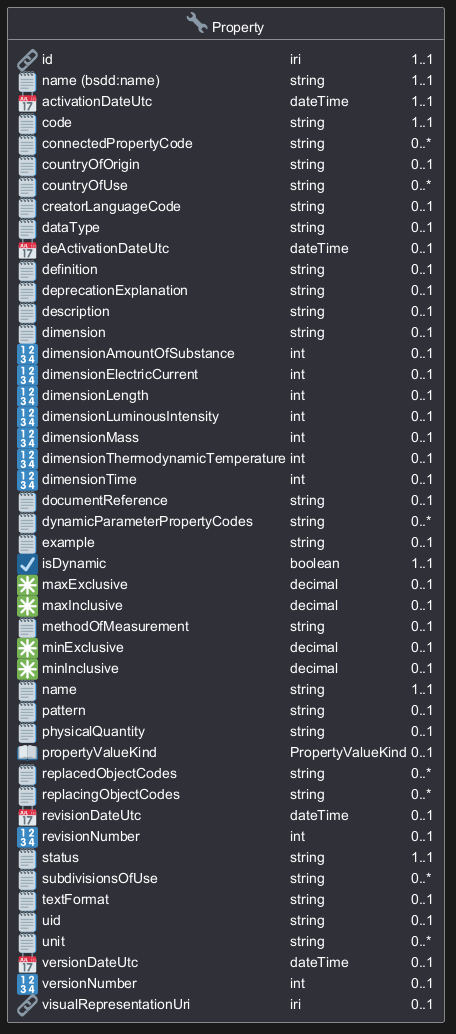
\t and skinparam tabSize n to align fields, but this doesn't work so well: [Ref. QA-3820]
Add color on rows or cells
You can specify background colors of rows and cells: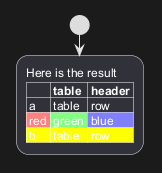
Add color on border and text
You can also specify colors of text and borders.
No border or same color as the background
You can also set the border color to the same color as the background.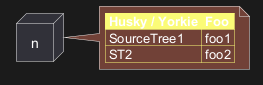
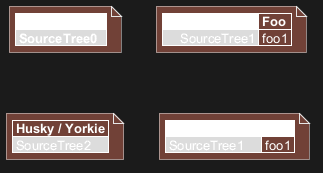
Bold header or not
= as the first char of a cell indicates whether to make it bold (usually used for headers), or not.
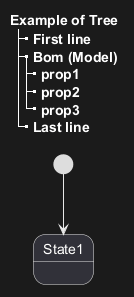
Tree
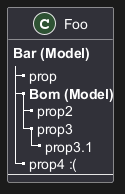
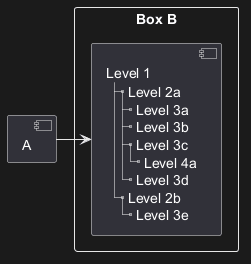
You can use |_ characters to build a tree.
On common commands, like title:
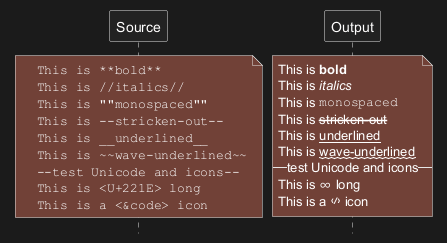
Special characters
It's possible to use any unicode character,
either directly or with syntax &#nnnnnn; (decimal) or <U+XXXXX> (hex):
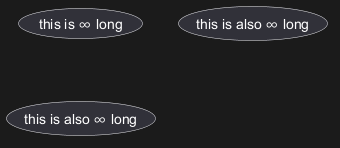
- You can use the listfonts command with a test string of your desired characters, to see which fonts may include them.
- For characters that are emoji, it's better to use the Emoji notation that doesn't depend on installed fonts, and the emoji are colored.
- The PlantUML server has the "Noto Emoji" font that has most emoji. If you want to render diagrams on your local system, you should check which fonts you have.
- Unfortunately "Noto Emoji" lacks normal chars, so you need to switch fonts, eg
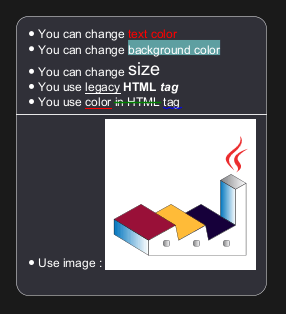
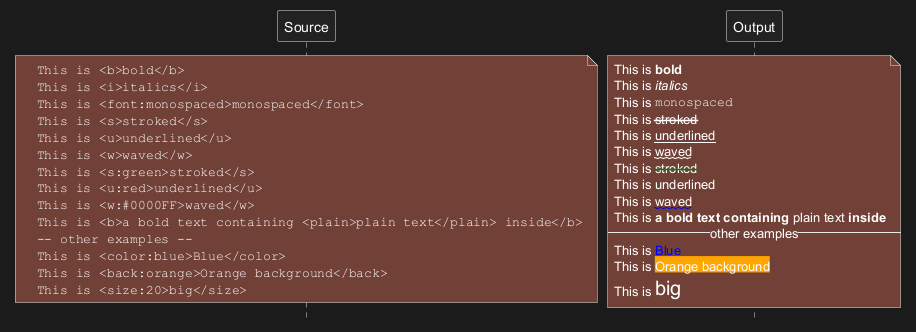
Legacy HTML
You can mix Creole with the following HTML tags:
<b>for bold text<u>or<u:#AAAAAA>or<u:[[color|colorName]]>for underline<i>for italic<s>or<s:#AAAAAA>or<s:[[color|colorName]]>for strike text<w>or<w:#AAAAAA>or<w:[[color|colorName]]>for wave underline text<plain>for plain text<color:#AAAAAA>or<color:[[color|colorName]]><back:#AAAAAA>or<back:[[color|colorName]]>for background color<size:nn>to change font size<img:file>: the file must be accessible by the filesystem<img:https://plantuml.com/logo3.png>: the URL must be available from the Internet{scale:nn}to change image size, eg<img:file.png{scale=0.3}>
Common HTML element
plain]
Subscript and Superscript element [sub, sup]

OpenIconic
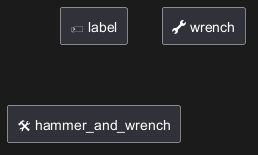
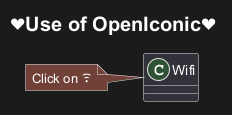
OpenIconic is a very nice open-source icon set.
Those icons are integrated in the creole parser, so you can use them out-of-the-box.
Use the following syntax: <&ICON_NAME>.
Appendix: Examples of "Creole List" on all diagrams
Activity
Class
FIXME
🚩
- Sub item
- Sub sub item
FIXME
Component, Deployment, Use-Case
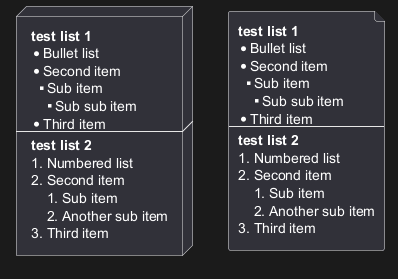
DONE
[Corrected in V1.2020.18]
Gantt project planning
N/AObject
FIXME
🚩
- Sub item
- Sub sub item
FIXME
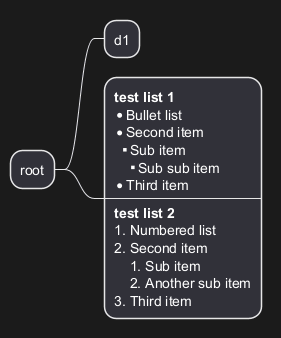
MindMap
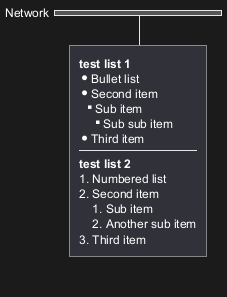
Network (nwdiag)
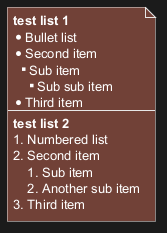
Note
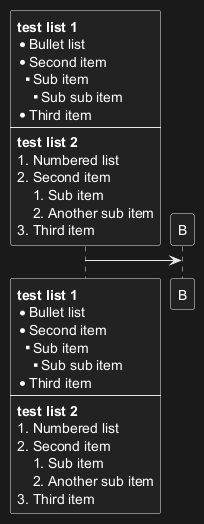
Sequence
State
WBS
Appendix: Examples of "Creole horizontal lines" on all diagrams
Activity
FIXME
🚩
strong line
____
FIXME
Class
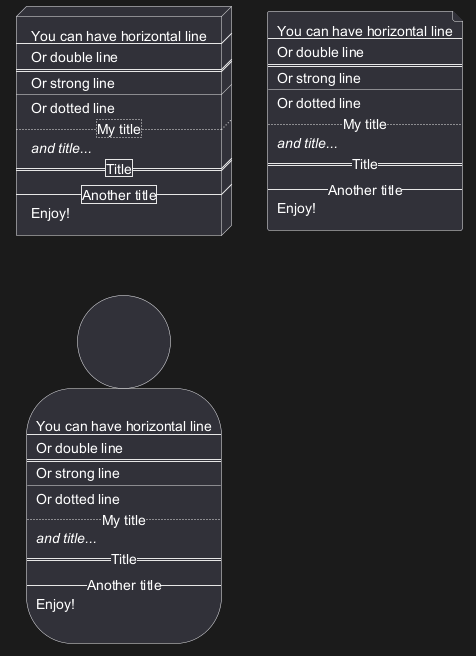
Component, Deployment, Use-Case
Gantt project planning
N/AObject
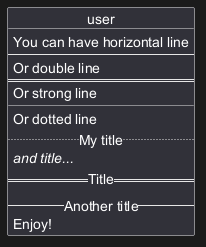
DONE
[Corrected on V1.2020.18]
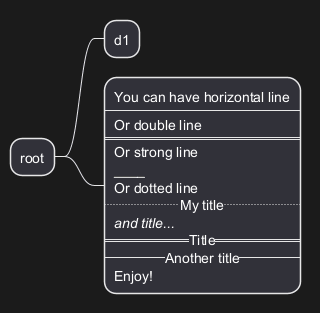
MindMap
FIXME
🚩
strong line
____
FIXME
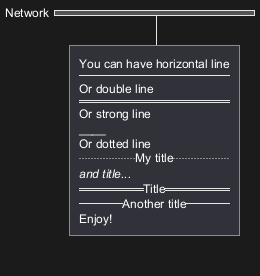
Network (nwdiag)
Note
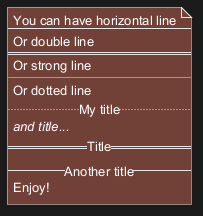
Sequence
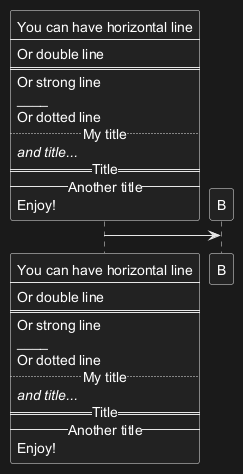
State
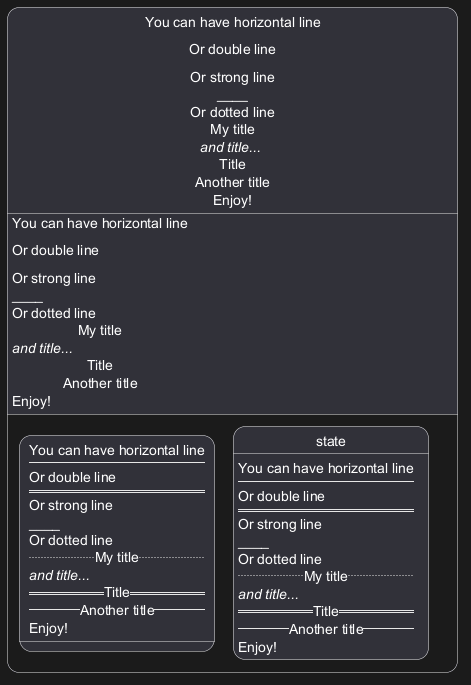
WBS
FIXME
🚩
strong line
____
FIXME
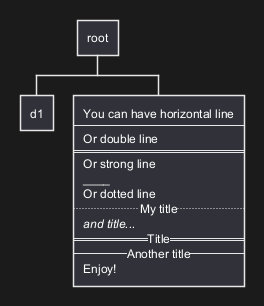
Style equivalent (between Creole and HTML)
| Style | Creole | Legacy HTML like |
| bold |
This is **bold**
|
This is <b>bold</b>
|
| italics |
This is //italics//
|
This is <i>italics</i>
|
monospaced
|
This is ""monospaced""
|
This is <font:monospaced>monospaced</font>
|
|
|
This is --stroked--
|
This is <s>stroked</s>
|
| underlined |
This is __underlined__
|
This is <u>underlined</u>
|
| waved |
This is ~~waved~~
|
This is <w>waved</w>
|
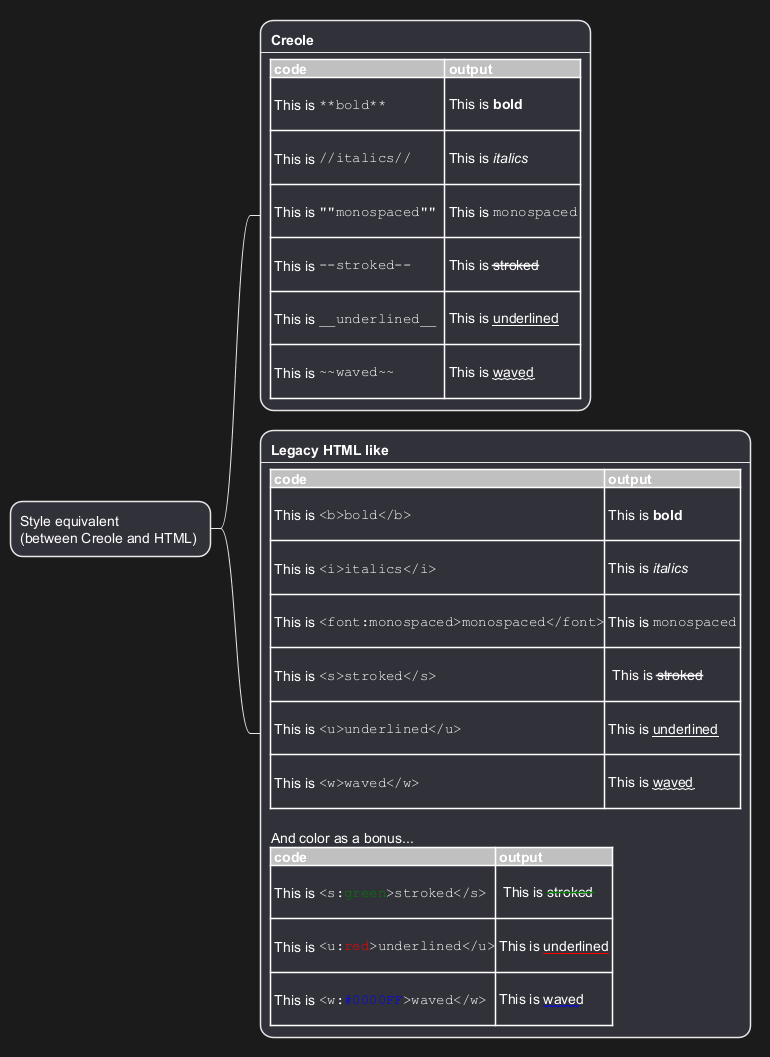
Creole on Creole
You can use Creole or HTML Creole on Creole diagram: