





New! Render PlantUML diagrams directly inside GitHub
with our official browser extension —
No server. No tokens. No tracking. Zero permissions but clipboard. —
Try it out and let us know what you think!
Diagrama de Gantt
 Edit in Dokuwiki
 Edit in Asciidoc
 Edit in Markdown
 Declaración de tareas
El Gantt se describe en lenguaje natural, utilizando frases muy sencillas (sujeto-verbo-complemento).
Tareas definidas mediante corchetes.
Carga de trabajo
La carga de trabajo de cada tarea se especifica mediante el verborequires, indicando la cantidad de trabajo necesaria en términos de días.
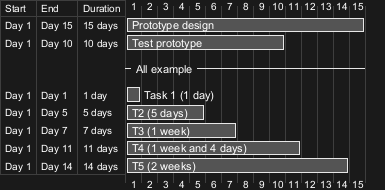
Inicio
Su inicio se define utilizando el verbostart:
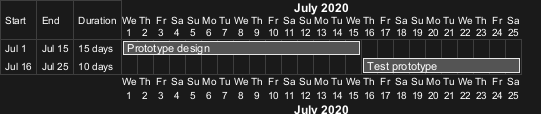

D+nn: QA-14494]
Fin
Su final se define utilizando el verboend:
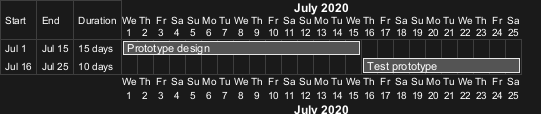

Inicio/Fin
Es posible definir ambos de forma absoluta, especificando fechas: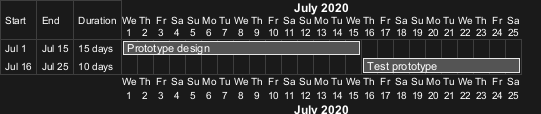

One-line declaration (with the and conjunction)
It is possible to combine declaration on one line with the and conjunction.
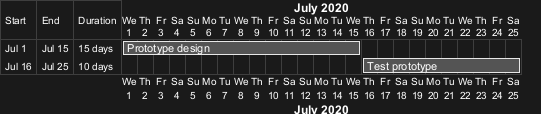
Adding constraints
It is possible to add constraints between tasks.


Short names or alias
It is possible to define short name for tasks with the as keyword.

Tasks with same name
[Starting with V1.2024.6,] it is possible to have multiple tasks with same name.
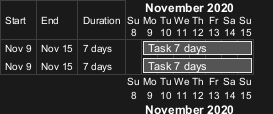

Customize colors
It is also possible to customize colors with is colored in.

Completion status
Adding completion depending percentage
You can set the completion status of a task, by the command:is xx% completedis xx% complete

Change colour of completion (by style)
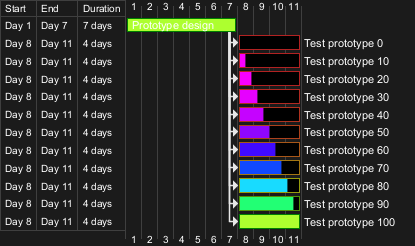
Change colour of undone part of Task (by style)

Milestone
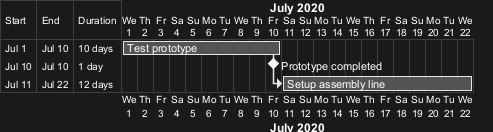
You can define Milestones using the happen verb.
Relative milestone (use of constraints)

Absolute milestone (use of fixed date)
Milestone of maximum end of tasks
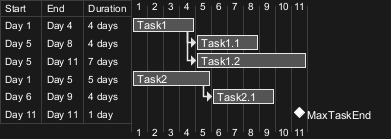
Hyperlinks
You can add hyperlinks to tasks.

Calendar
You can specify a starting date for the whole project. By default, the first task starts at this date.
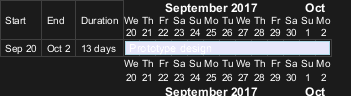
Coloring days
It is possible to add colors to some days.

Changing scale
You can change scale for very long project, with one of those parameters:
- printscale
- ganttscale
- projectscale
- daily (by default)
- weekly
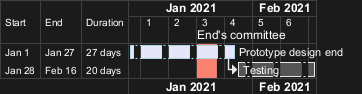
- monthly
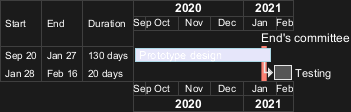
- quarterly
- yearly
Daily (by default)

Weekly

Monthly
Quarterly
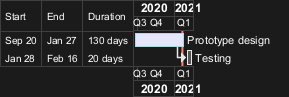

Yearly

Date range with between
Without date range
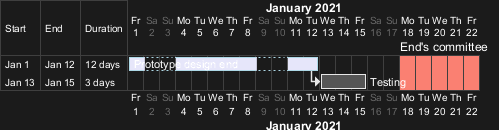
With date range
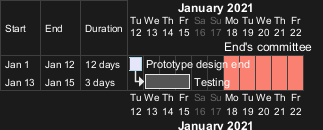
Zoom (example for all scale)
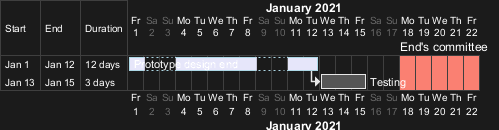
You can change zoom, with the parameter:
zoom <integer>
Zoom on daily (default) scale
- Without zoom
- With zoom

Zoom on weekly scale
- Without zoom
- With zoom

Zoom on monthly scale
- Without zoom
- With zoom

Zoom on quarterly scale
- Without zoom
- With zoom

Zoom on yearly scale
- Without zoom
- With zoom

Weekscale with Weeknumbers or Calendar Date
With Weeknumbers (by default)
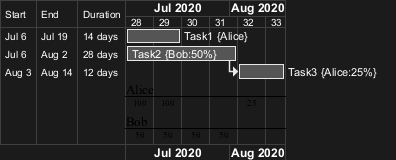
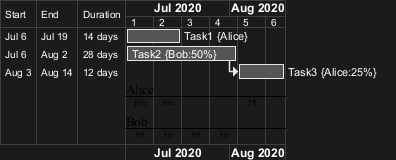
With Weeknumbers (starting from 1)
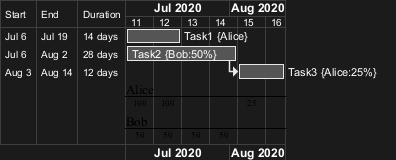
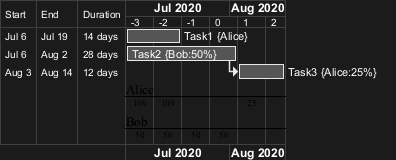
With specific Weeknumbers (starting from n [including negative integer])
With Calendar Date
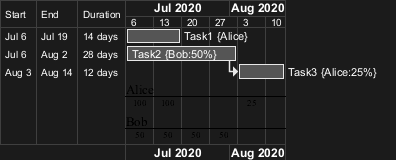
Change first day of week
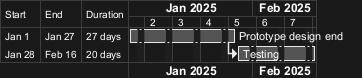
Close day
It is possible to close some day.


Definition of a week depending of closed days
A week is a synonym for how many non-closed days are in a week, as:
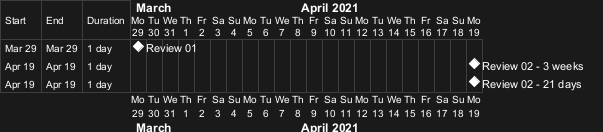
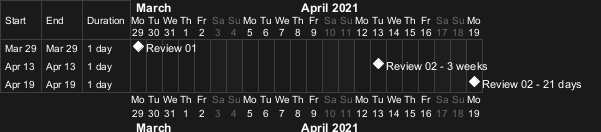
Working days
It is possible to manage working days.
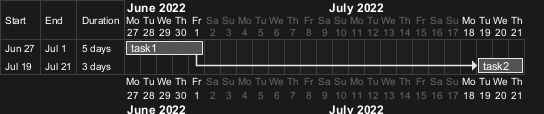
Simplified task succession
It's possible to use the then keyword to denote consecutive tasks.

->

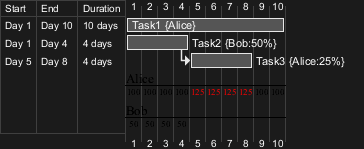
Working with resources
You can affect tasks on resources using the on keyword and brackets for resource name.
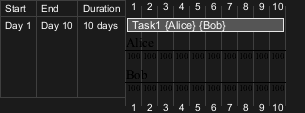
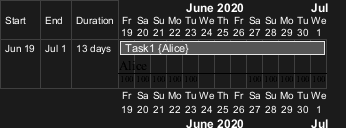
Hide resources
Without any hiding (by default)
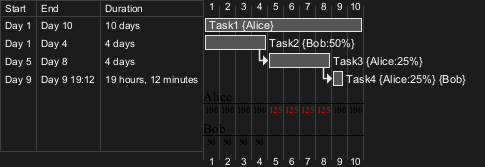
Hide resources names
You can hide resources names and percentage, on tasks, using thehide resources names keywords.
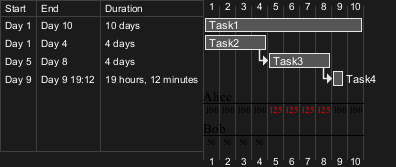
Hide resources footbox
You can also hide resources names on bottom of the diagram using the hide resources footbox keywords.
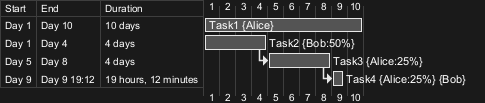
Hide the both (resources names and resources footbox)
You can also hide the both.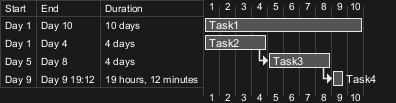
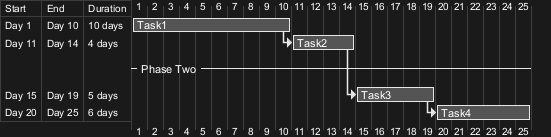
Horizontal Separator
You can use -- to separate sets of tasks.
Vertical Separator
You can add Vertical Separators with the syntax: Separator just [at].

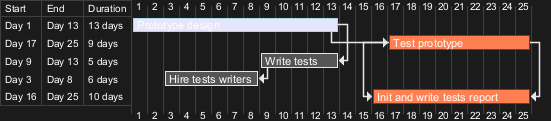
Complex example
It also possible to use the and conjunction.
You can also add delays in constraints.
Comments
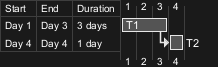
As is mentioned on Common Commands page:
Everything that starts with(i.e.: the first character (except space character) of a comment line must be asimple quote 'is a comment. You can also put comments on several lines using/'to start and'/to end.
simple quote ')
Using style
Without style (by default)
With style
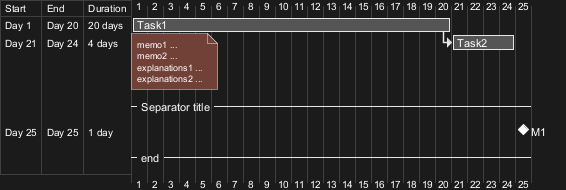
You can use style to change rendering of elements.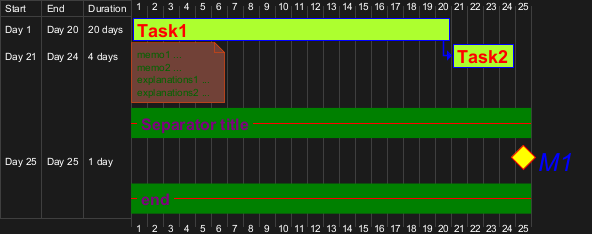
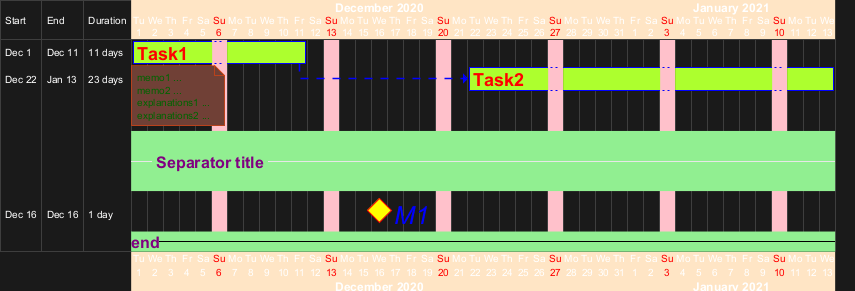
With style (full example)
DONE
Thanks for style for Separator and all style for Arrow (thickness...)
Clean style
With style, you can also clean a Gantt diagram (showing tasks, dependencies and relative durations only - but no actual start date and no actual scale):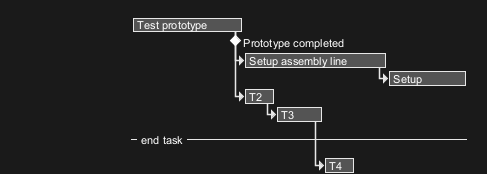

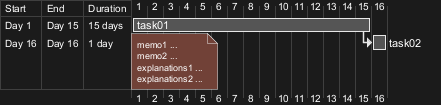
Add notes
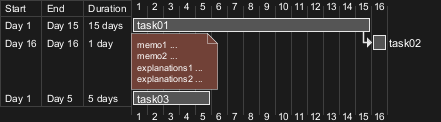
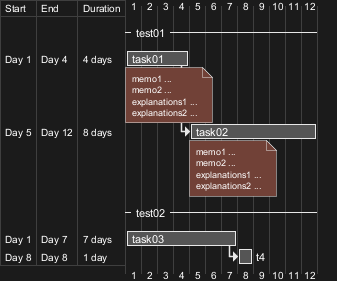
DONE
Thanks for correction (of #386 on v1.2020.18) when overlapping
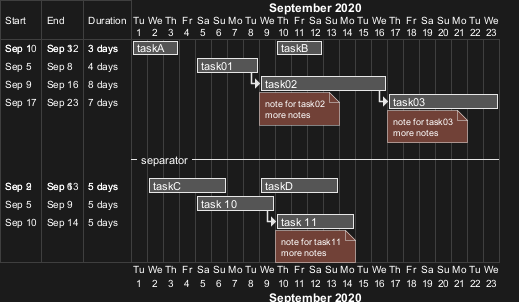
Pause tasks

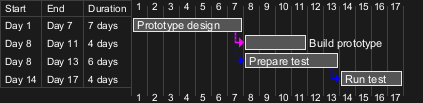
Change link colors
You can change link colors:
- with this syntax:
with <color> <style> link

- or directly by using arrow style
Tasks or Milestones on the same line
You can put Tasks or Milestones on the same line, with this syntax:
[T|M] displays on same row as [T|M]

Highlight today

Task between two milestones
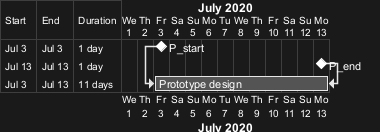
Grammar and verbal form
| Verbal form | Example |
| [T] starts | |
| [M] happens |
Add title, header, footer, caption or legend
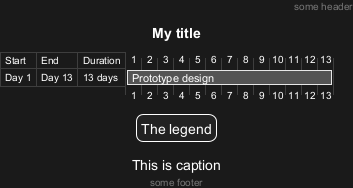
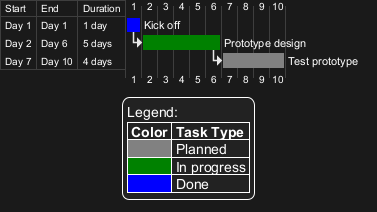
Add color on legend
Removing Foot Boxes (example for all scale)
You can use the hide footbox keywords to remove the foot boxes
of the gantt diagram (as for sequence diagram).
Examples on:
- daily scale (without project start)
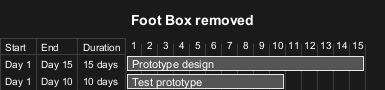
- daily scale

- weekly scale
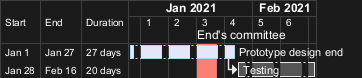
- monthly scale
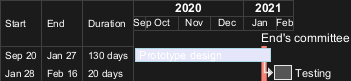
- quarterly scale

- yearly scale

Language of the calendar
You can choose the language of the Gantt calendar, with the language <xx> command where <xx> is the ISO 639 code of the language.
English (en, by default)

Deutsch (de)

Japanese (ja)

Chinese (zh)

Korean (ko)

Delete Tasks or Milestones
You can mark some Tasks or Milestones as deleted instead of normally completed to distinguish tasks that may possibly have been discarded, postponed or whatever.
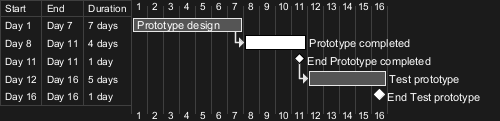
Start a project, a task or a milestone a number of days before or after today
You can start a project, a task or a milestone a number of days before or after today, using the builtin functions %now and %date:
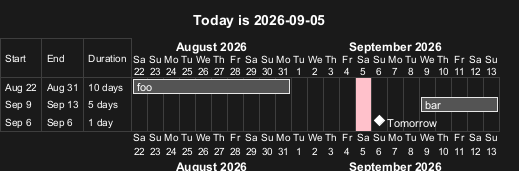
Change Label position
The labels are near elements (by default)
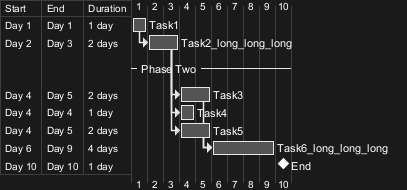
label:
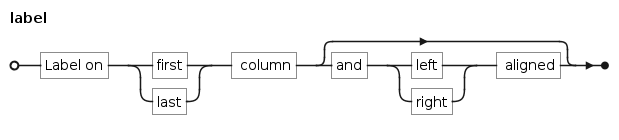
Label on first column
- Left aligned
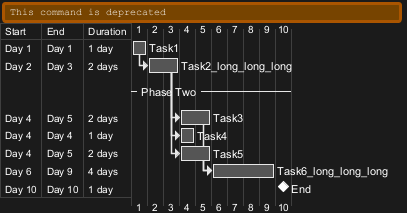
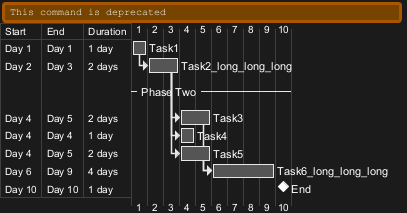
- Right aligned
Label on last column
- Left aligned
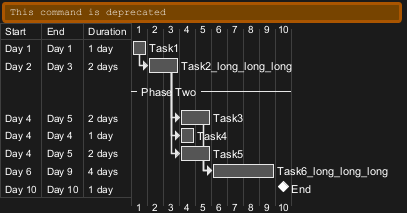
- Right aligned
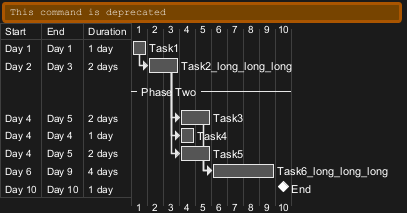
Definition of a month (30 days)
A month is a synonym for 30 days.
