





New! Render PlantUML diagrams directly inside GitHub
with our official browser extension —
No server. No tokens. No tracking. Zero permissions but clipboard. —
Try it out and let us know what you think!
Colors
 Edit in Dokuwiki
 Edit in Asciidoc
 Edit in Markdown
- with its standard name or CSS name
- using HEX value (6 digits):
#RRGGBB - using HEX value (8 digits) with alpha compositing or RGBA color model:
#RRGGBBaa - using short HEX value (3 digits):
#RGB(so#ABCmeans#AABBCC) - using very short HEX value (1 digits):
#xwhich is a shortcut for#xxxxxx(so you get some gray)
transparent can be used, synonym of transparent black (#00000000).
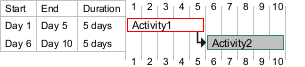
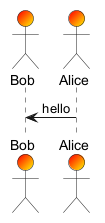
Example on Gantt Diagram:
 Color gradient
You can also use color gradient in background, with the following syntax: two colors names separated either by:
-
|, -
/, -
\, or -
-
Automatic Font Color
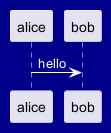
PlantUML allows dynamic font color selection using the #? syntax. The system automatically chooses between two colors based on the current background color to ensure optimal contrast and readability.
How It Works:
- The
#?prefix defines a conditional color choice. - Two colors follow, separated by a colon.
- The engine selects one based on the background:
- If the background is light, it uses the first color.
- If the background is dark, it uses the second color to maintain contrast.
#?black:white syntax ensures that text remains legible across different background colors.
Color with preprocessing
You can manipulate color with Preprocessing, and the Builtin functions:
| Name | Description | Example | Return |
%darken
|
Return a darken color of a given color with some ratio |
%darken("red", 20)
|
#CC0000
|
%is_dark
|
Check if a color is a dark one |
%is_dark("#000000")
|
true
|
%is_light
|
Check if a color is a light one |
%is_light("#000000")
|
false
|
%lighten
|
Return a lighten color of a given color with some ratio |
%lighten("red", 20)
|
#CC3333
|
%reverse_color
|
Reverse a color using RGB |
%reverse_color("#FF7700")
|
#0088FF
|
%reverse_hsluv_color
|
Reverse a color using HSLuv |
%reverse_hsluv_color("#FF7700")
|
#602800
|
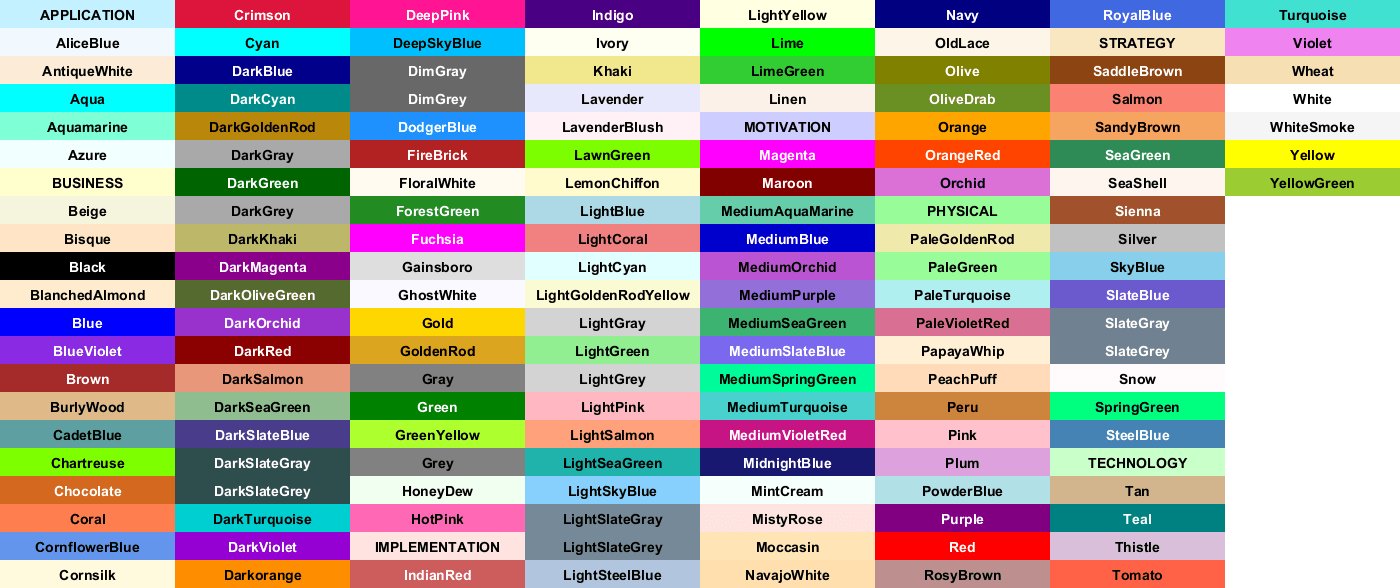
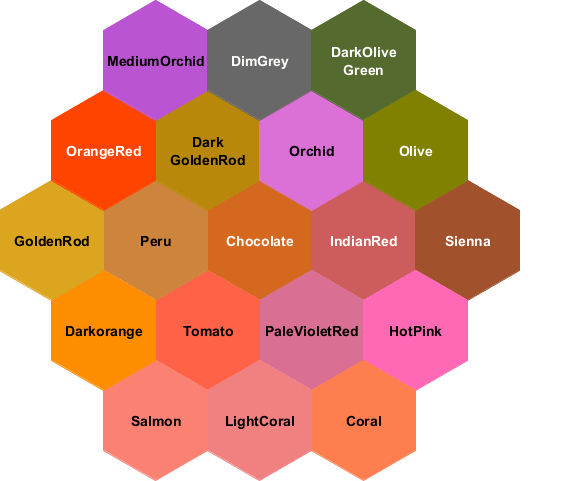
View colors in PlantUML
A user has recently created an image to display all names colors used by PlantUML. (We thank him by the way!)
So a new feature has been added to print all those colors using a special diagram description:
Archimate colors
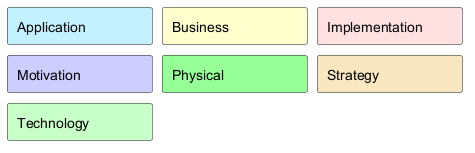
Archimate uses color names that reflect the purpose of a node:
- Application
- Business
- Implementation
- Motivation
- Physical
- Strategy
- Technology
PlantUML colors
