



New! Render PlantUML diagrams directly inside GitHub
with our official browser extension —
No server. No tokens. No tracking. Zero permissions but clipboard. —
Try it out and let us know what you think!
Format definition
 Edit in Dokuwiki
 Edit in Asciidoc
 Edit in Markdown
Simple link
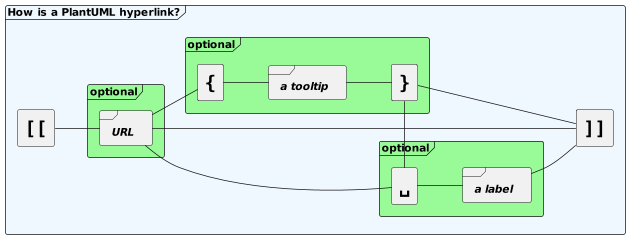
Simple links are define using two square brackets (or three square brackets for field or method on class diagram). Example:[[http://plantuml.com]][[]](empty link)
Link with optional label
It is possible to give an optional label that will be printed instead of the link itself. A space is used as separator after the URL itself. Example:[[http://plantuml.com This label is printed]]
Link with optional tooltip
Finally you can also have an optional tooltip using round brackets, just after the URL and before the optional label. Example:[[http://plantuml.com{Optional tooltip} This label is printed]]
Only tooltip
You can also have only a tooltip using round brackets. Example:[[{A tooltip}]]
Only tooltip and label
You can also have only a tooltip using round brackets, and a label. Example:[[{A tooltip} This label is printed]]
URL authentication
With URL authentication it is possible to provide an authentication method, credentials, and a proxy config to URL endpoints. Links contained curly bracket
A link can contain some curly brackets.

Links in sequence diagram
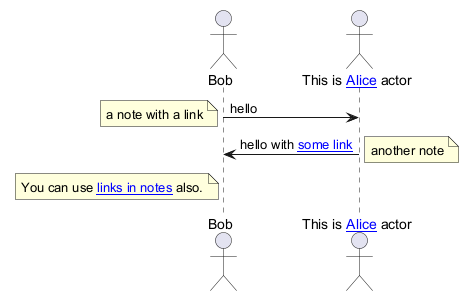
The following example lists some links features:
Links in class diagram
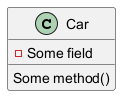
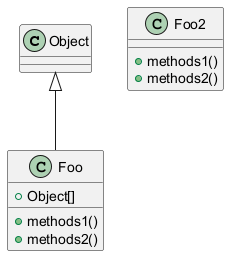
Links in activity diagram
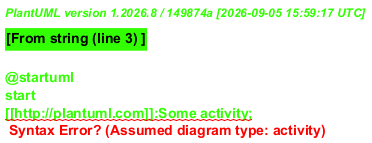
On activity label
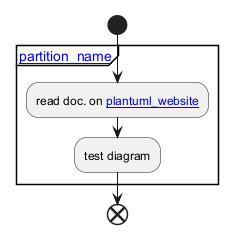
On partition
Link in State diagram
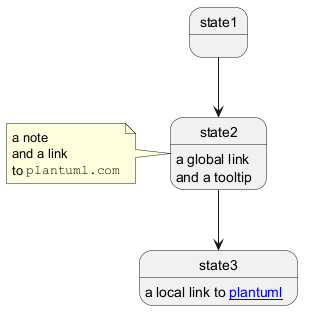
You can add link on State diagram:
- local link on a word
- or link on the entire state shape
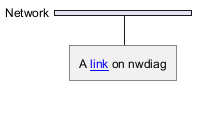
Links in Network diagram (nwdiag)
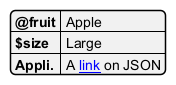
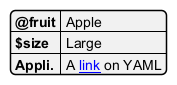
Links in JSON/YAML diagram
JSON
YAML
Links in notes
It is also possible to specify a link at the beginning of a note (the link applies to the full note), or inside a note (for a portion of the note).

Links with explicit URL directive
You can use the url of|for XXX is [[yyy]] syntax:

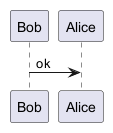
On sequence diagram
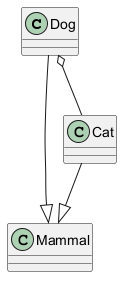
On class diagram
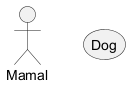
On usecase diagram
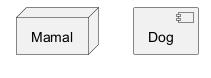
On component or deployment diagram
Links in arrow (or Hyperlinks in link or connection)
Class diagram
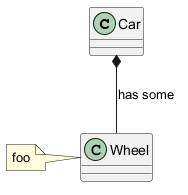
You can use the same syntax as above in the arrow name. It makes an underlined link: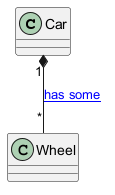
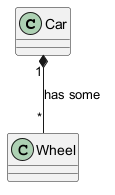
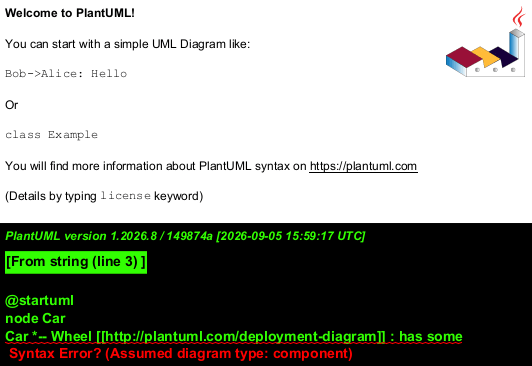
Component or Deployment diagram
FIXME
🚩
See Wanted features QA-6397
FIXME
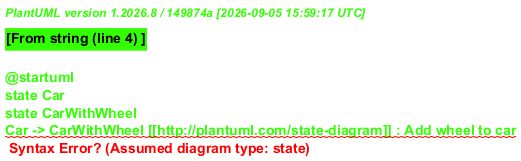
State diagram
FIXME
🚩
Same Issue
FIXME
Specific SkinParameter for Link
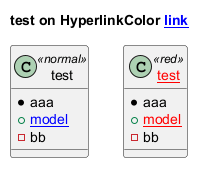
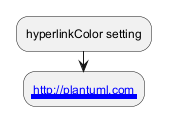
hyperlinkColor
You can change thecolor value of the links with the hyperlinkColor setting.
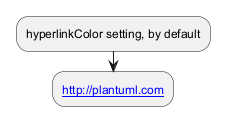
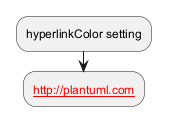
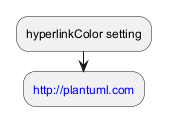
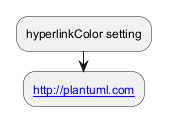
hyperlinkUnderline
You can usehyperlinkUnderline to specify the presence and (in PNG only) thickness of hyperlink underlines.
topurl
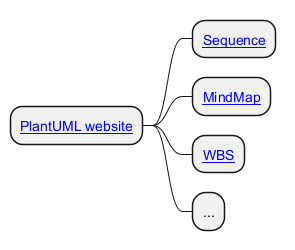
You can usetopurl setting, in order to define the prefix for all the links on a PlantUML diagram, as:
Other SkinParameter for Link
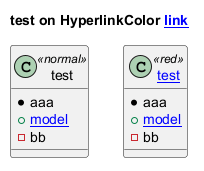
You can see also on:Using (global) style
Without style (by default)
With style
You can use style to change rendering of elements.