



New! Render PlantUML diagrams directly inside GitHub
with our official browser extension —
No server. No tokens. No tracking. Zero permissions but clipboard. —
Try it out and let us know what you think!
PlantUML 中的常用命令
 Edit in Dokuwiki
 Edit in Asciidoc
 Edit in Markdown
全局元素
- 注释:在图表脚本中添加备注或解释性注释,以传递更多信息或为进一步修改留下提示。
- Notes:
- 尺寸控制* :
- 标题和字幕* :
克里奥尔语法说明
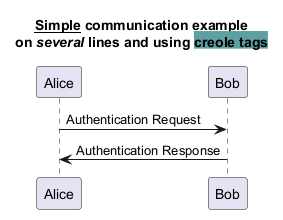
利用克里奥尔语法的强大功能,进一步格式化图表中任何元素的内容* 。这种维基标记样式允许:- 文本格式化:
- </zstrong>列表* <zstrong>:
- 链接:
样式控制命令
使用style 命令完全控制图表元素的显示样式* 。利用它可以:
- 定义样式:
- 自定义颜色 : 为各种元素选择特定的颜色,以增强视觉吸引力并创建不同的分类。
 注释
注释
简单的注释
所有以simple quote ' 开始的都是一个
的注释。
@startuml
'Line comments use a single apostrophe
@enduml
</zh3> * 块状注释<zh3>
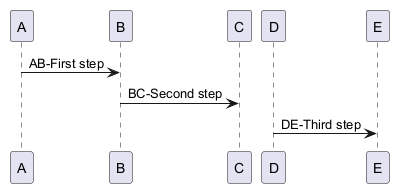
块状注释使用C风格的注释,除了用一撇一捺代替',
然后你也可以把注释放在几行上,用/' 开始,'/ 结束。
@startuml
/'
many lines comments
here
'/
@enduml
[Ref.QA-1353] 然后你也可以在同一行中放置块状注释,如。
WARNING
This translation need to be updated. WARNING
缩放
You can use the scale command to zoom the generated image.
You can use either a number or a fraction to define the scale factor.
You can also specify either width or height (in pixel).
And you can also give both width and height : the image is scaled to fit inside the specified dimension.
scale 1.5scale 2/3scale 200 widthscale 200 heightscale 200*100scale max 300*200scale max 1024 widthscale max 800 height

WARNING
This translation need to be updated. WARNING
标题
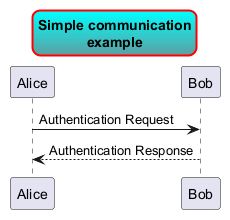
使用 title 关键字添加标题。
你可以在标题描述中使用 \n 添加新行。
Some skinparam settings are available to put borders on the title.
title
and end title keywords.
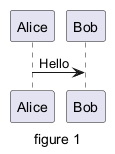
图片标题
使用 caption 关键字在图像下放置一个标题.
页眉和页脚
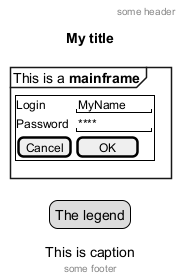
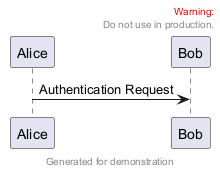
你可以使用 header 和 footer命令在生成的图中增加页眉和页脚。
你可以选择指定center, left 或 right关键字使页眉或页脚实现居中、左对齐和右对齐。
和标题一样,页眉或页脚内容可以在多行中定义,而且同样可以在页眉或页脚中输入一些HTML代码。
图例说明
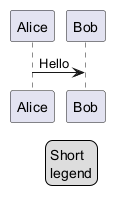
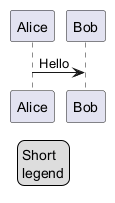
legend 和 end legend 作为关键词,用于配置一个图例(legend).
支持可选地使用left,right,center为这个图例指定对齐方式.
Appendix: Examples on all diagram
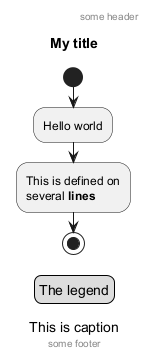
Activity
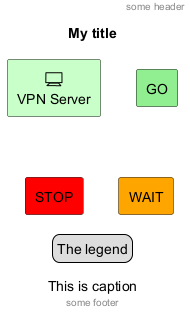
Archimate
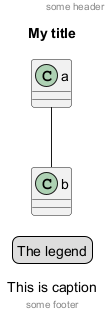
Class
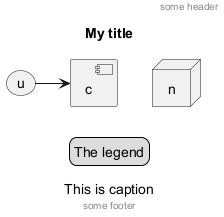
Component, Deployment, Use-Case
Gantt project planning
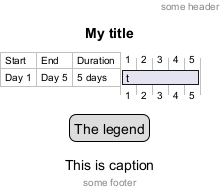
DONE
[(Header, footer) corrected on V1.2020.18]
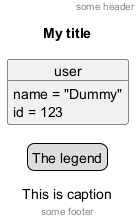
Object
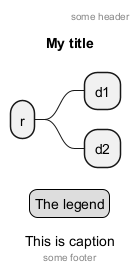
MindMap
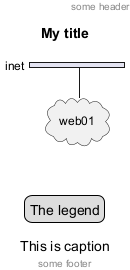
Network (nwdiag)
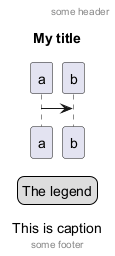
Sequence
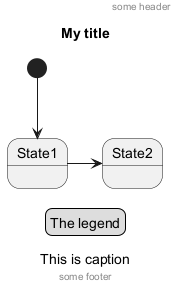
State
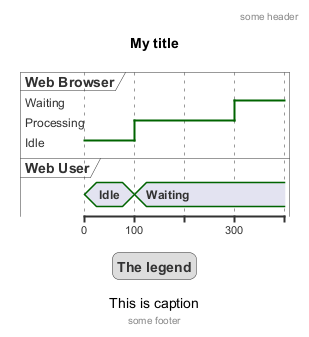
Timing
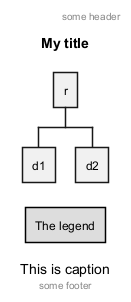
Work Breakdown Structure (WBS)
DONE
[Corrected on V1.2020.17]
Wireframe (SALT)
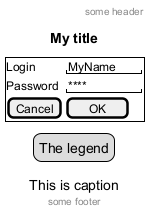
DONE
[Corrected on V1.2020.18]
Appendix: Examples on all diagram with style
DONE
FYI:
- all is only good for
Sequence diagram title,captionandlegendare good for all diagrams except forsalt diagram
FIXME
🚩
- Now (test on 1.2020.18-19)
header,footerare not good for all other diagrams except only forSequence diagram.
FIXME
Here are tests of title, header, footer, caption or legend on all the diagram with the debug style:
<style>
title {
  HorizontalAlignment right
  FontSize 24
  FontColor blue
}

header {
  HorizontalAlignment center
  FontSize 26
  FontColor purple
}

footer {
  HorizontalAlignment left
  FontSize 28
  FontColor red
}

legend {
  FontSize 30
  BackGroundColor yellow
  Margin 30
  Padding 50
}

caption {
  FontSize 32
}
</style>
Activity
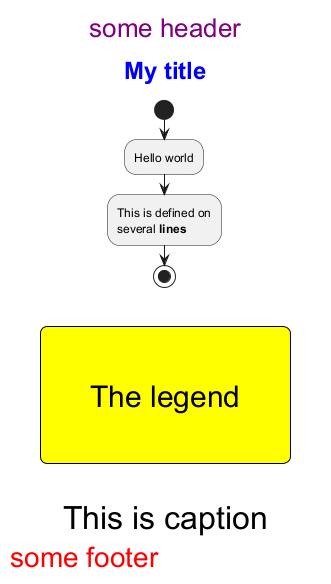
Archimate
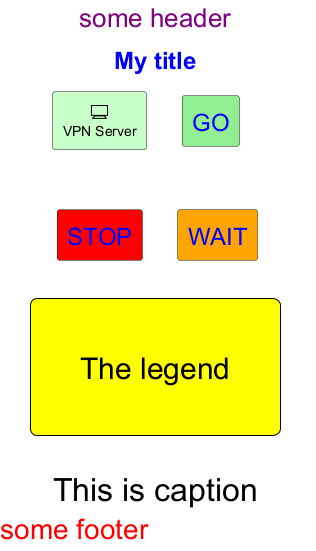
Class
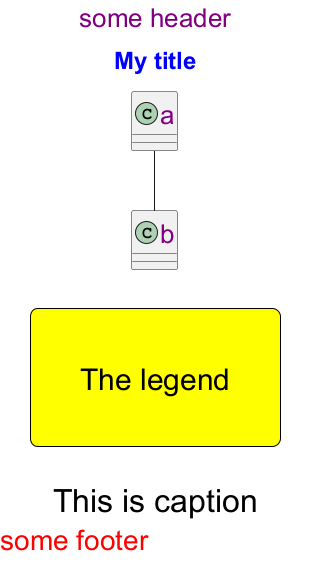
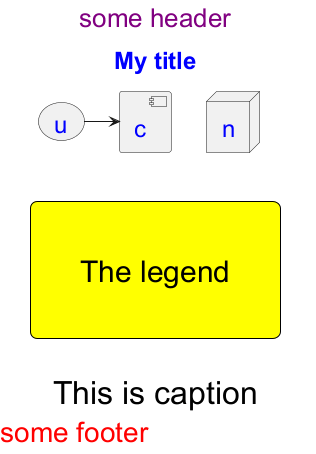
Component, Deployment, Use-Case
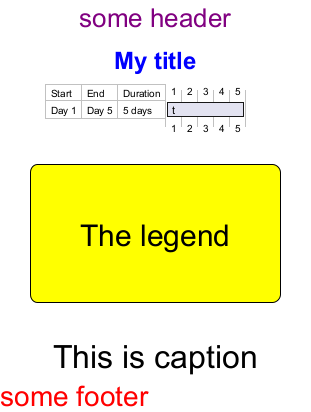
Gantt project planning
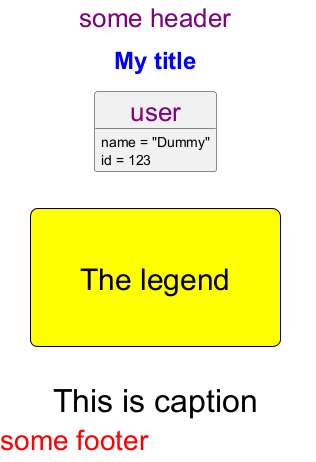
Object
MindMap
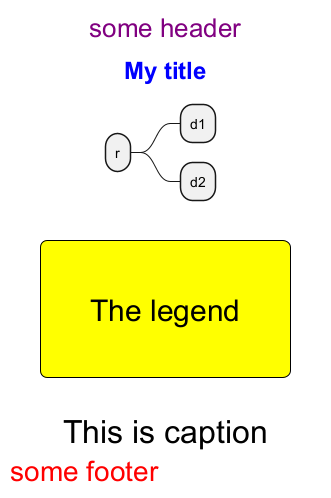
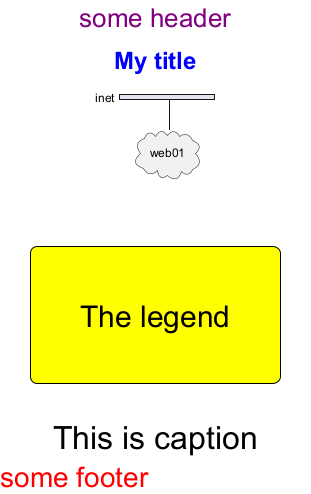
Network (nwdiag)
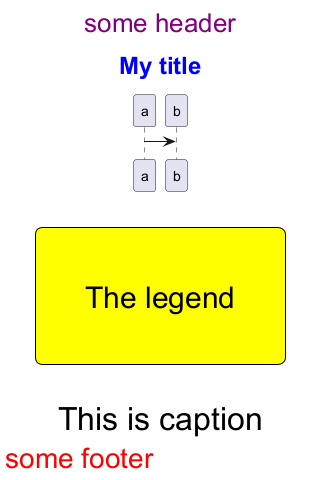
Sequence
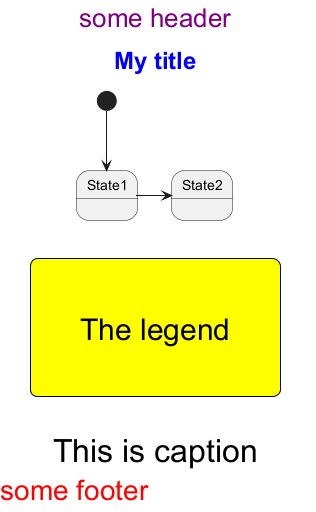
State
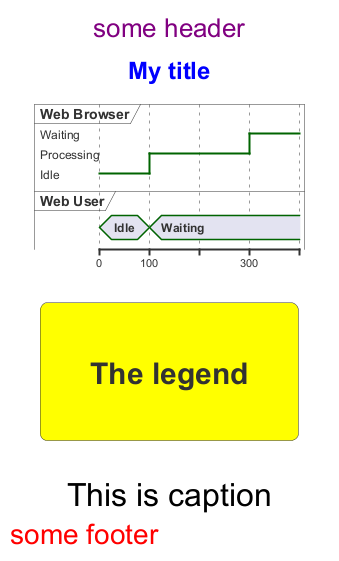
Timing
Work Breakdown Structure (WBS)
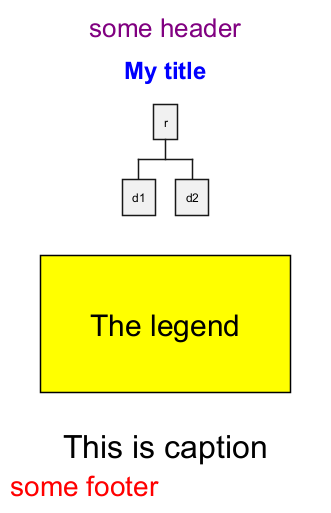
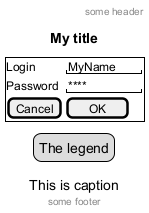
Wireframe (SALT)
FIXME
Fix all (title, caption, legend, header, footer) for salt.
FIXME
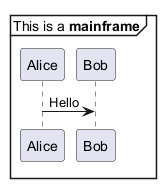
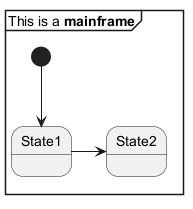
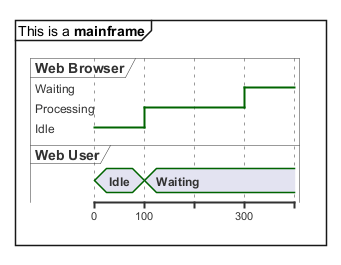
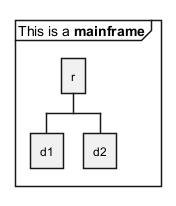
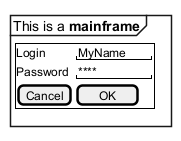
Mainframe
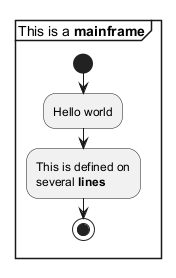
附录。所有图表上的主机实例
活动
架构
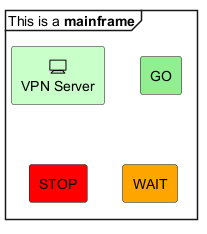
FIXME
栏目
在顶部和左侧进行了裁剪
FIXME
类别
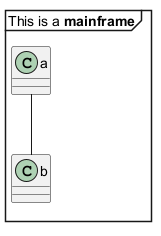
FIXME
纪事
在顶部和左侧进行了裁剪
FIXME
组件、部署、用例
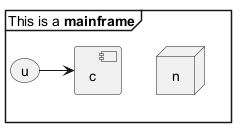
FIXME
丨
顶部和左侧的裁剪
FIXME### 丨
甘特项目计划
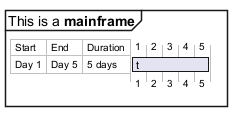
FIXME
Ì
在顶部和左侧进行了裁剪
FIXME
对象
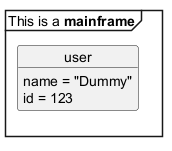
FIXME
丨
顶部被裁剪!
FIXME
心智图谱
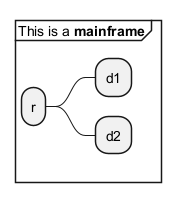
网络 (nwdiag)
FIXME
锦标赛
顶部被裁剪!
FIXME
序列
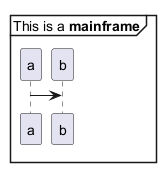
状况
FIXME
锦标赛
顶部和左侧被裁剪
FIXME
时间安排
工作分解结构(WBS)
线框 (SALT)
WARNING
This translation need to be updated. WARNING
Appendix: Examples of title, header, footer, caption, legend and mainframe on all diagram
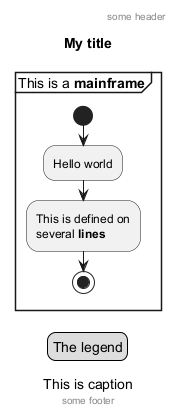
Activity
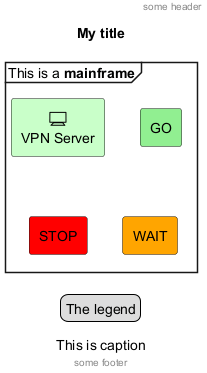
Archimate
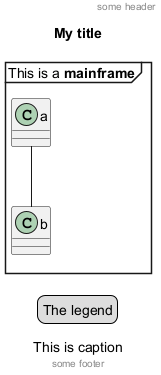
Class
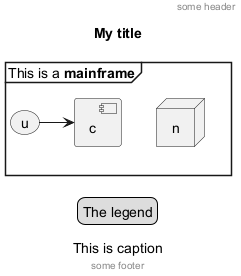
Component, Deployment, Use-Case
Gantt project planning
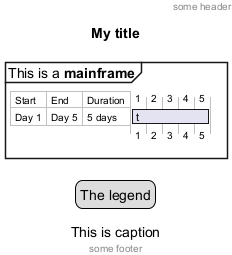
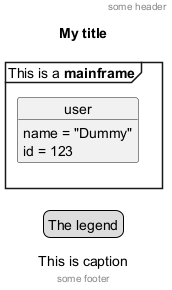
Object
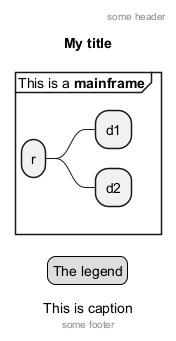
MindMap
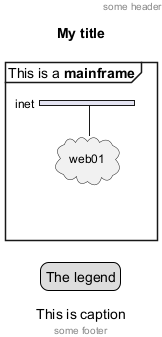
Network (nwdiag)
Sequence
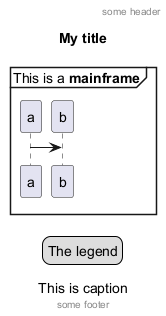
State
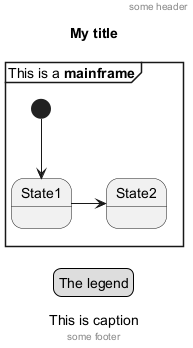
Timing
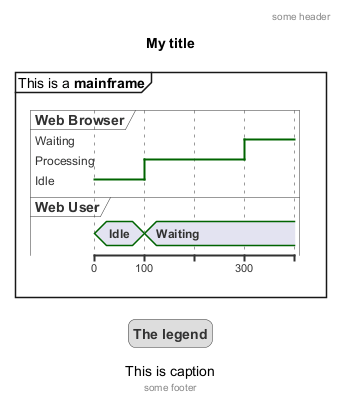
Work Breakdown Structure (WBS)
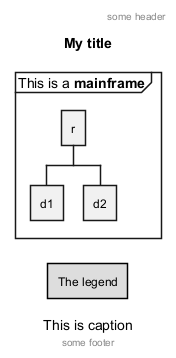
Wireframe (SALT)