



New! Render PlantUML diagrams directly inside GitHub
with our official browser extension —
No server. No tokens. No tracking. Zero permissions but clipboard. —
Try it out and let us know what you think!
MindMap
 Edit in Dokuwiki
 Edit in Asciidoc
 Edit in Markdown
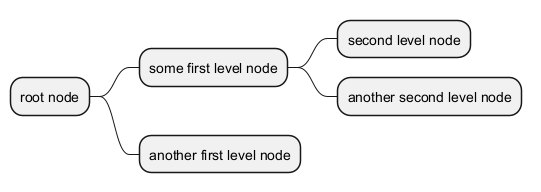
 OrgMode 语法
同时兼容OrgMode语法。
WARNING
This translation need to be updated. WARNING
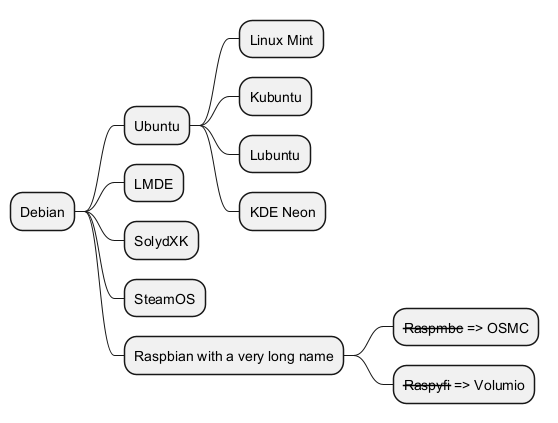
Markdown语法
同时兼容Markdown语法。
WARNING
This translation need to be updated. WARNING
运算符
你可以使用下面的运算符来决定图形方向。
多行表示
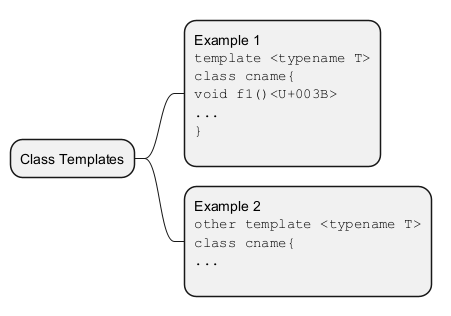
你可以用 : 和 ; 包围文字,来表示多行文本.
Multiroot Mindmap
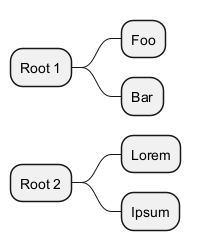
You can create multiroot mindmap, as:
Colors
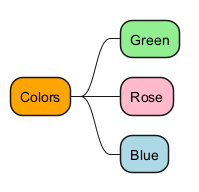
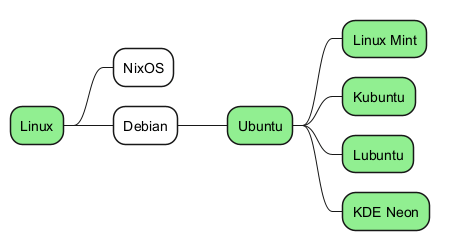
It is possible to change node color.
With inline color
- OrgMode syntax mindmap
- Arithmetic notation syntax mindmap
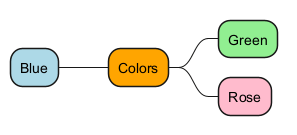
- Markdown syntax mindmap
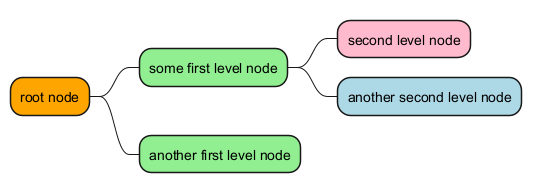
With style color
- OrgMode syntax mindmap
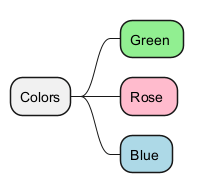
- Arithmetic notation syntax mindmap
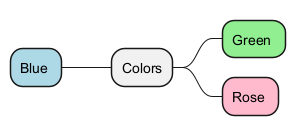
- Markdown syntax mindmap
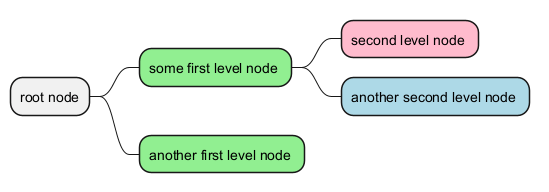
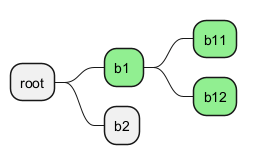
- Apply style to a branch
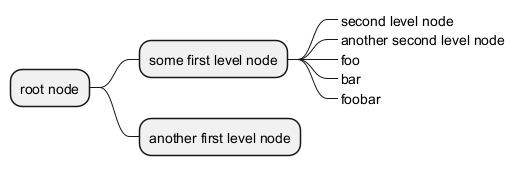
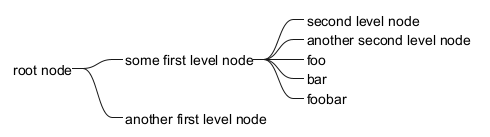
移除方框
你可以用下划线移除方框图。

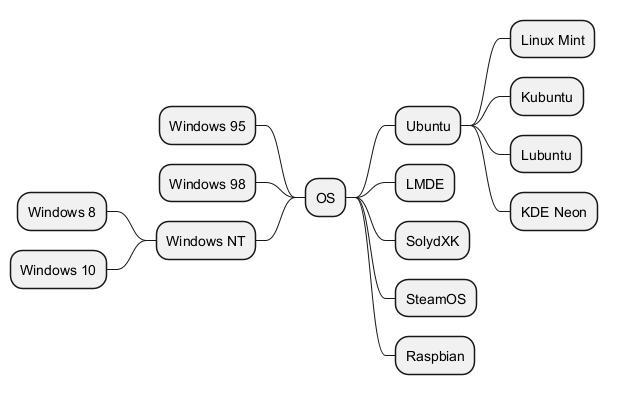
改变图形方向
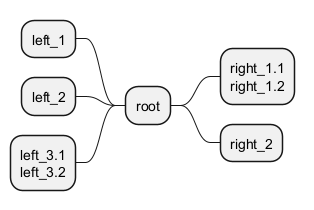
你可以同时使用图形的左右两侧。
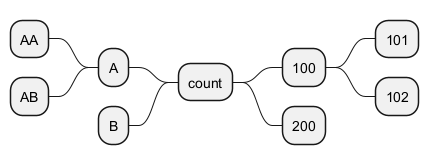
Change (whole) diagram orientation
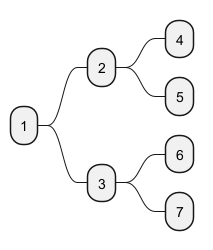
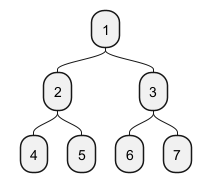
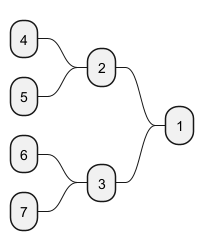
You can change (whole) diagram orientation with:
left to right direction(by default)top to bottom directionright to left directionbottom to top direction(not yet implemented/issue then use workaround)
Left to right direction (by default)
Top to bottom direction
Right to left direction
Bottom to top direction
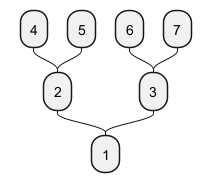
完整示例
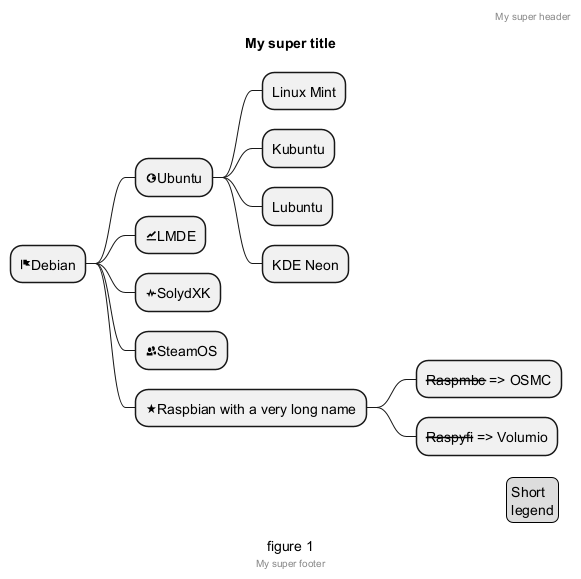
改变风格
节点、深度
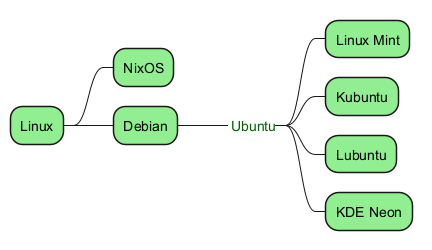
无盒
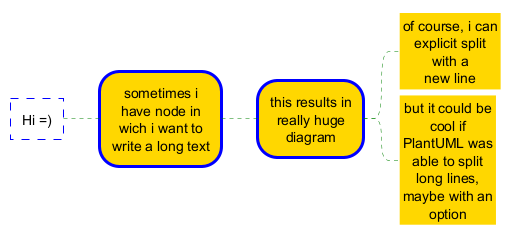
Word Wrap
使用MaximumWidth 设置,你可以控制自动换字。使用的单位是像素。
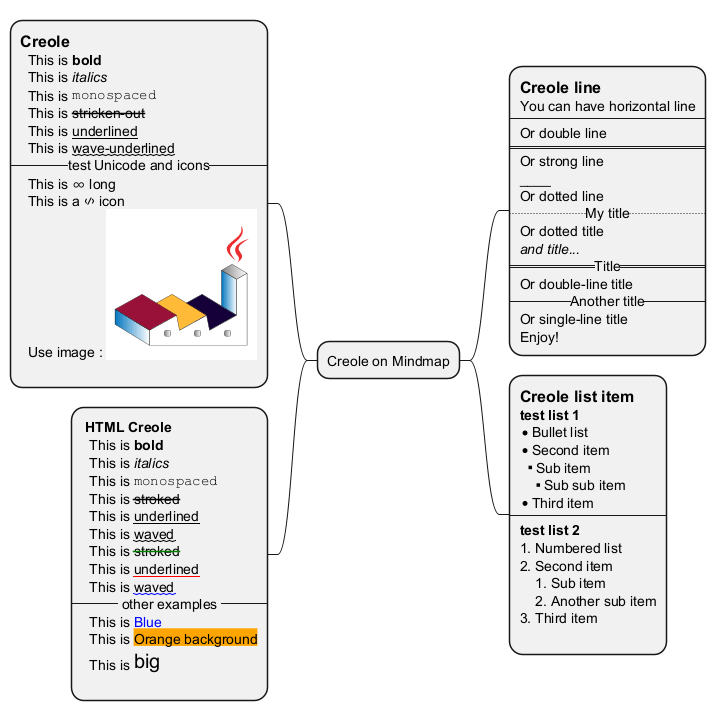
Creole on Mindmap diagram
You can use Creole or HTML Creole on Mindmap: